Buying web work
Website maintenance cost: what you should actually pay in 2026
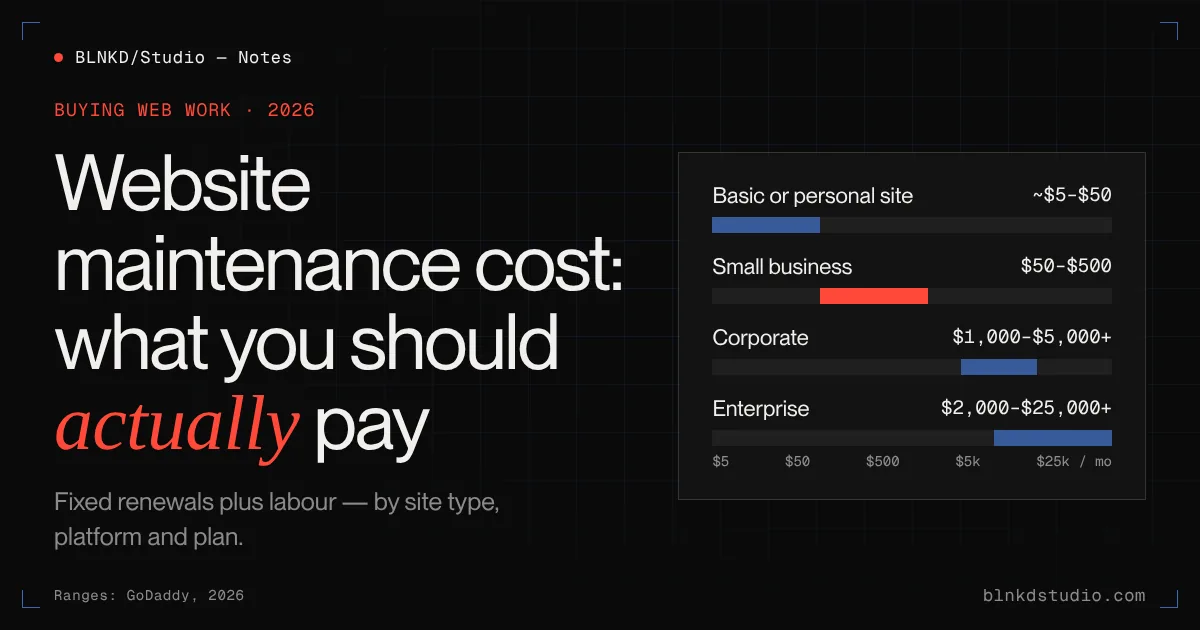
Most small business websites cost between $50 and $500 a month to maintain properly. Where yours lands depends on the platform, how often it changes, and how much risk you are willing to carry — here is how to work it out.
Website maintenance cost is the number nobody mentions when you buy the website.
The proposal covers design, development and launch. Then the site goes live, and a few months later you find out about the hosting renewal, the plugin licence, the security warning, the broken contact form and the developer who now charges by the hour to look at it.
None of that is unusual. A website is not a brochure you print once. It is software running on someone else's computer, connected to the internet, and software needs looking after.
We look after more than thirty websites every month — WordPress, Webflow and Next.js, some our own builds and some inherited from other teams. This guide is what we have learned about what maintenance actually costs, what you should be getting for the money, and where the cheap options quietly cost you more.
BLNKD care plans — Updates, backups, monitoring and edits for WordPress, Webflow and Next.js sites, from $149 a month with response times in writing.
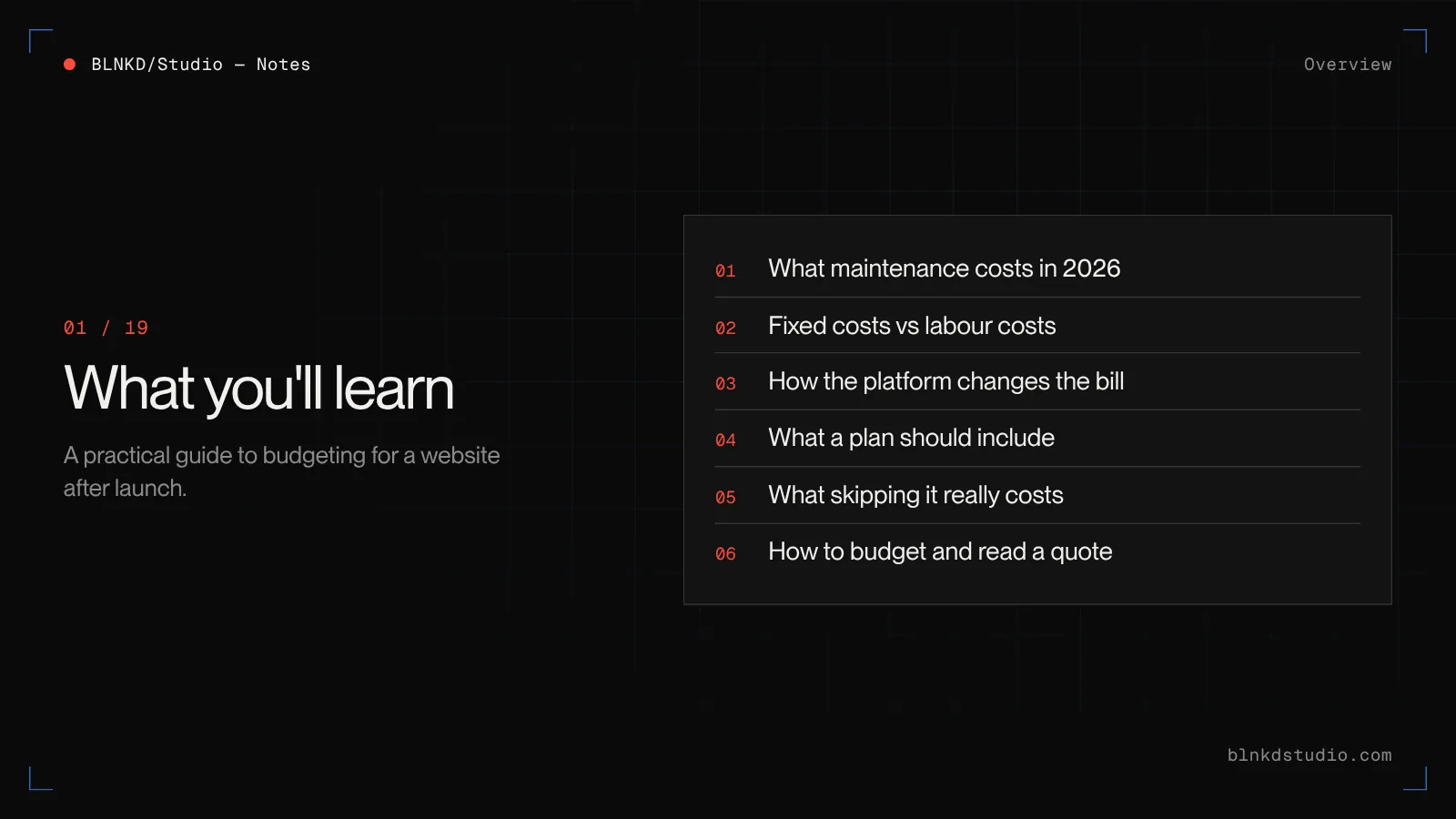
What you'll learn
- What website maintenance costs in 2026, by type of site
- The fixed costs every website has, and the labour costs that vary
- How the platform — WordPress, Webflow or a custom build — changes the bill
- What a proper maintenance plan includes, and what cheap plans leave out
- What skipping maintenance actually costs when something goes wrong
- How to estimate your own budget and read a maintenance quote
The short answer: what website maintenance costs in 2026
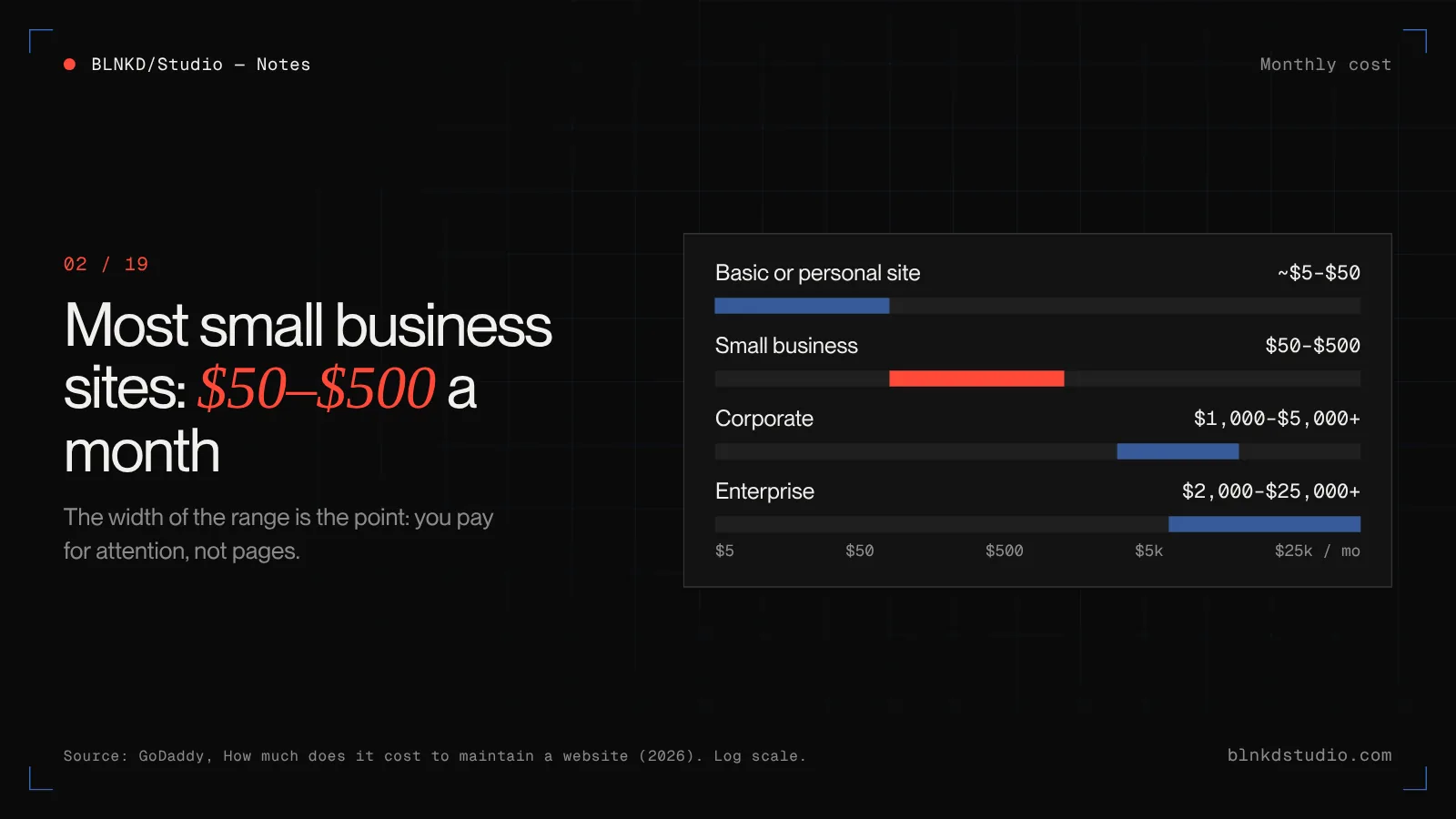
Published 2026 guides broadly agree on the ranges. GoDaddy's guide puts most small and mid-sized business sites at $50 to $500 a month, corporate sites at $1,000 to $5,000 or more, and enterprise sites at $2,000 to $25,000 or more. A very basic personal site on a website builder can cost little more than the plan fee.
| Type of site | Typical monthly cost | What drives it |
|---|---|---|
| Basic or personal site | A few dollars to ~$50 | Mostly the platform or hosting fee. Little changes, little can break. |
| Small business / lead generation | $50–$500 | Platform, number of plugins or integrations, how often content changes, how fast someone must respond. |
| Ecommerce | Usually above small business | Payments, stock, order emails and checkout — anything that breaks loses money the same day. |
| Corporate | $1,000–$5,000+ | More pages, more editors, more integrations, governance and reporting. |
| Enterprise | $2,000–$25,000+ | Infrastructure, security requirements, uptime commitments and a team rather than a person. |
That is a wide range, and the width is the point. Two sites that look identical can sit at opposite ends of it, because what you are paying for is not the number of pages. It is the amount of attention the site needs to stay fast, secure and correct.
What website maintenance actually includes
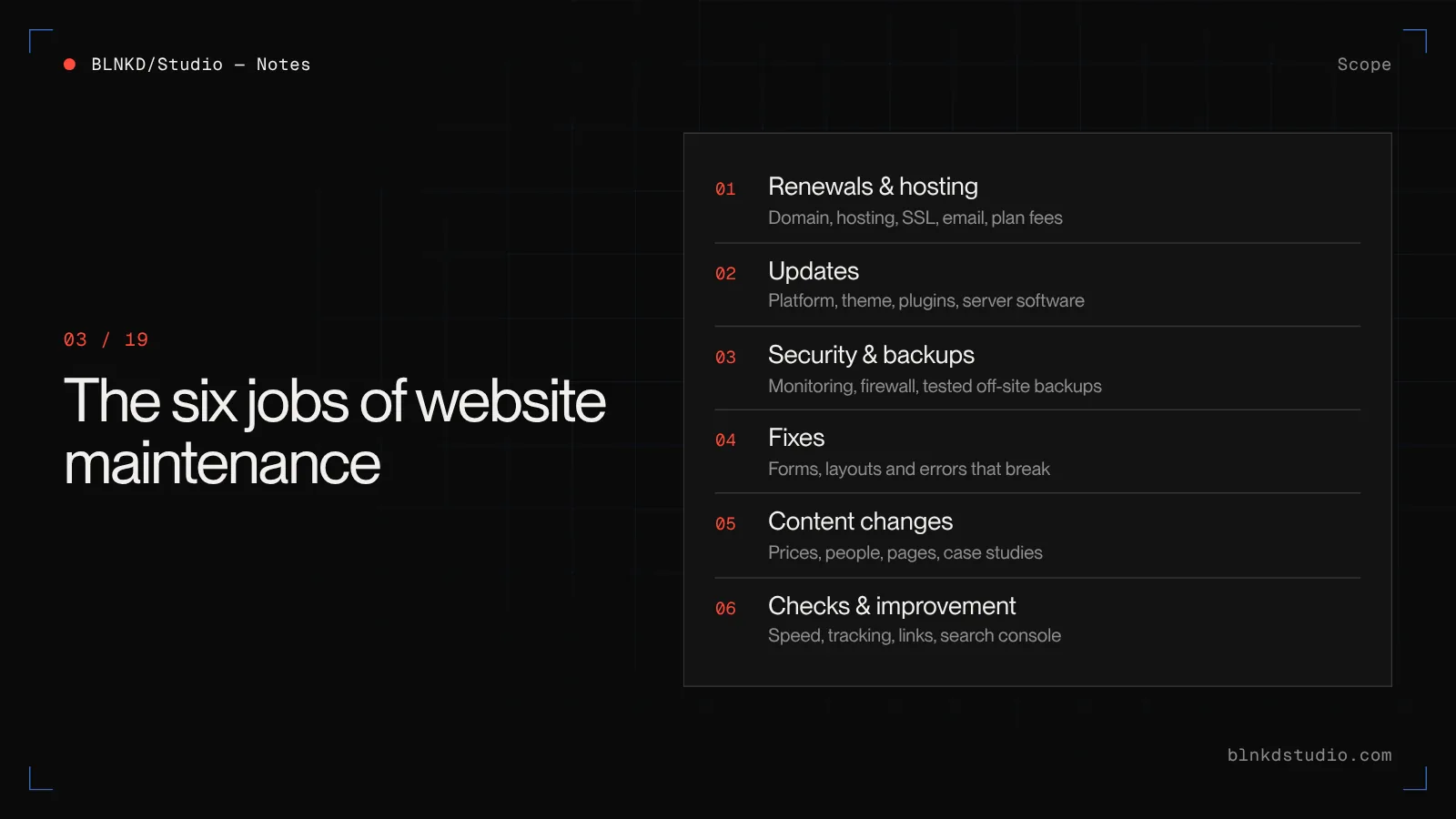
"Maintenance" sounds vague until you split it into the jobs every live website needs. There are six, and every quote you receive is some combination of them.
- 1. Renewals and hosting
- Domain, hosting, SSL, email and any paid platform plan. Fixed, predictable, and the one part most owners already know about.
- 2. Updates
- Platform, theme, plugin and server software. On WordPress this is weekly work; on a hosted platform like Webflow the vendor does most of it.
- 3. Security and backups
- Monitoring for malware and suspicious logins, firewall rules, and off-site backups that have actually been tested by restoring one.
- 4. Fixes
- Something broke — a form stopped sending, a layout collapsed after an update, a page returns an error. Someone has to find out why.
- 5. Content changes
- New team members, updated prices, a new service page, a case study. Small edits, made often.
- 6. Checks and improvement
- Speed, Core Web Vitals, broken links, analytics and conversion tracking still firing, search console warnings. The part most plans skip.
A low price usually means only the first two or three are covered. That is fine if you know it. It is a problem if you assumed the other three were included.
The fixed costs every website has
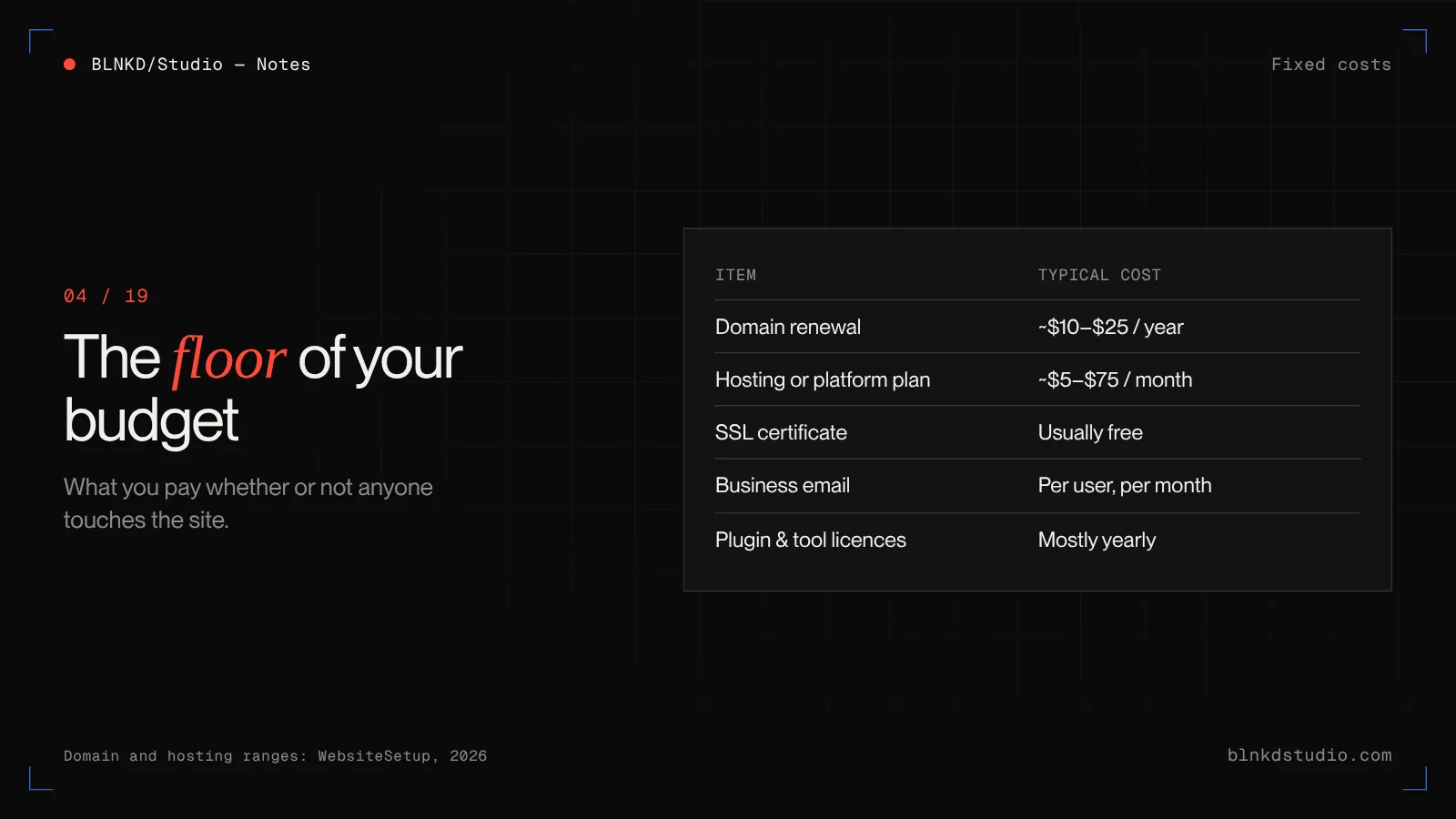
These are the costs you pay whether or not anyone touches the site. They are the floor of your maintenance budget.
- Domain name — most .com and .net domains renew for roughly $10 to $25 a year. Premium and some country domains cost more.
- Hosting or platform plan — from about $5 to $75 a month for most small business sites, more for ecommerce, high traffic or managed WordPress hosting with staging and backups.
- SSL certificate — usually free and included with modern hosting. If you are paying separately for a basic certificate, ask why.
- Business email — normally billed per user per month through Google Workspace or Microsoft 365, and often forgotten when people total up the website.
- Licences — premium WordPress plugins and themes, form tools, booking widgets, font licences. Individually small, collectively significant, and most renew annually.
The labour costs: where the real variation is
Fixed costs rarely decide whether maintenance is cheap or expensive. Labour does.
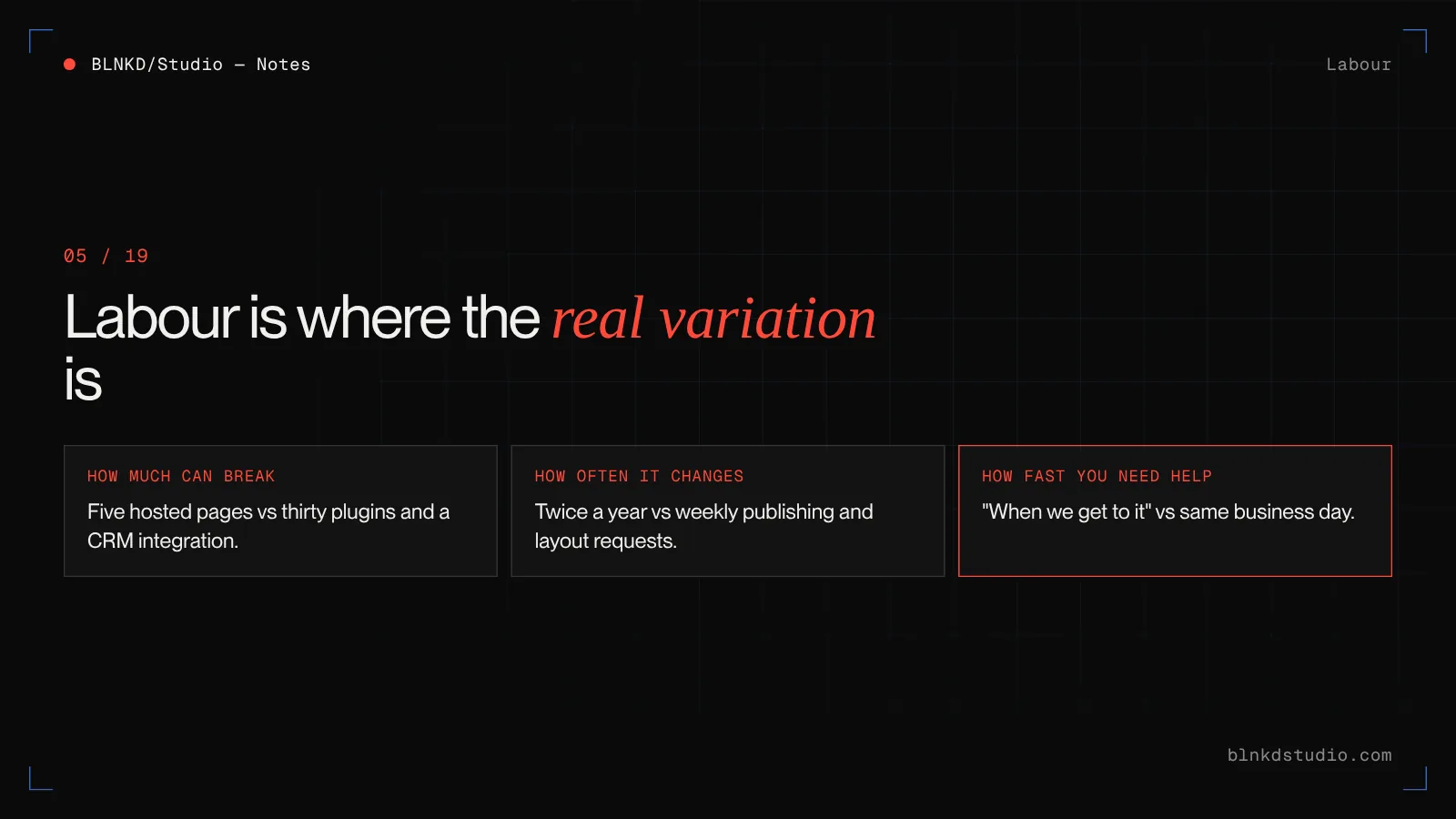
Labour is the time someone spends running updates, testing that nothing broke, fixing what did, making your edits and checking the site is still healthy. It varies with three things.
- How much can break
- A five-page site on a hosted platform has very little that can fail. A WordPress site with thirty plugins, a booking system and a CRM integration has a lot.
- How often it changes
- A site edited twice a year needs a different budget from one where the team publishes every week and asks for layout changes every month.
- How fast you need a response
- "When we get to it" is cheap. "Same business day if the site is down" costs more, because someone has to be available for it.
When you compare quotes, compare these three things, not the headline monthly price.
Website maintenance cost by platform
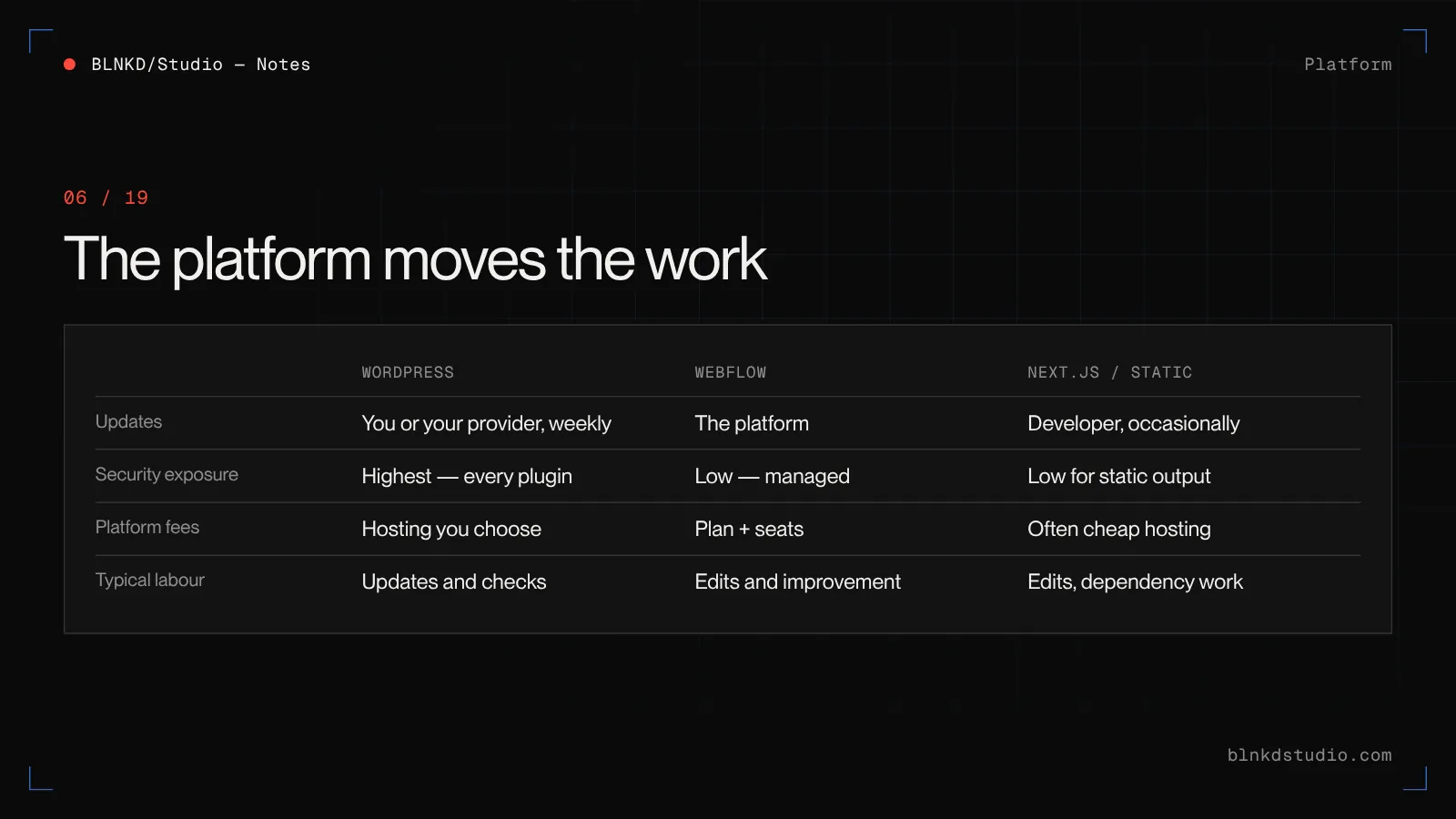
The platform you built on is the single biggest factor in what maintenance costs. Not because one is better, but because each moves the work to a different place.
| WordPress | Webflow | Next.js / static build | |
|---|---|---|---|
| Who runs updates | You or your provider — core, theme, plugins, PHP | The platform, automatically | Your developer, occasionally — dependencies and framework versions |
| What usually breaks | Plugin conflicts after updates, outdated PHP, malware via vulnerable plugins | Rarely anything technical; content limits and third-party embeds | Little at runtime; build tooling and integrations over time |
| Security exposure | Highest — the attack surface is every plugin you install | Low — managed hosting, no plugins | Low for static output; depends on any server or API code |
| Platform fees | Hosting you choose, from cheap to premium | Site plan plus workspace seats, rising with CMS and editors | Hosting is often cheap or free; CMS may be a separate subscription |
| Typical labour | Weekly updates and checks | Mostly content edits and improvement | Mostly content edits and occasional dependency work |
In practice, WordPress tends to cost less per month in platform fees and more in attention. Webflow tends to cost more per month in plan fees and less in attention. A custom static build can be the cheapest to keep running, but changes need a developer unless it was built with a CMS your team can use.
Webflow vs WordPress — The full comparison, including cost over three years, editing, SEO and migration.
Why WordPress maintenance costs more — and when it is worth it
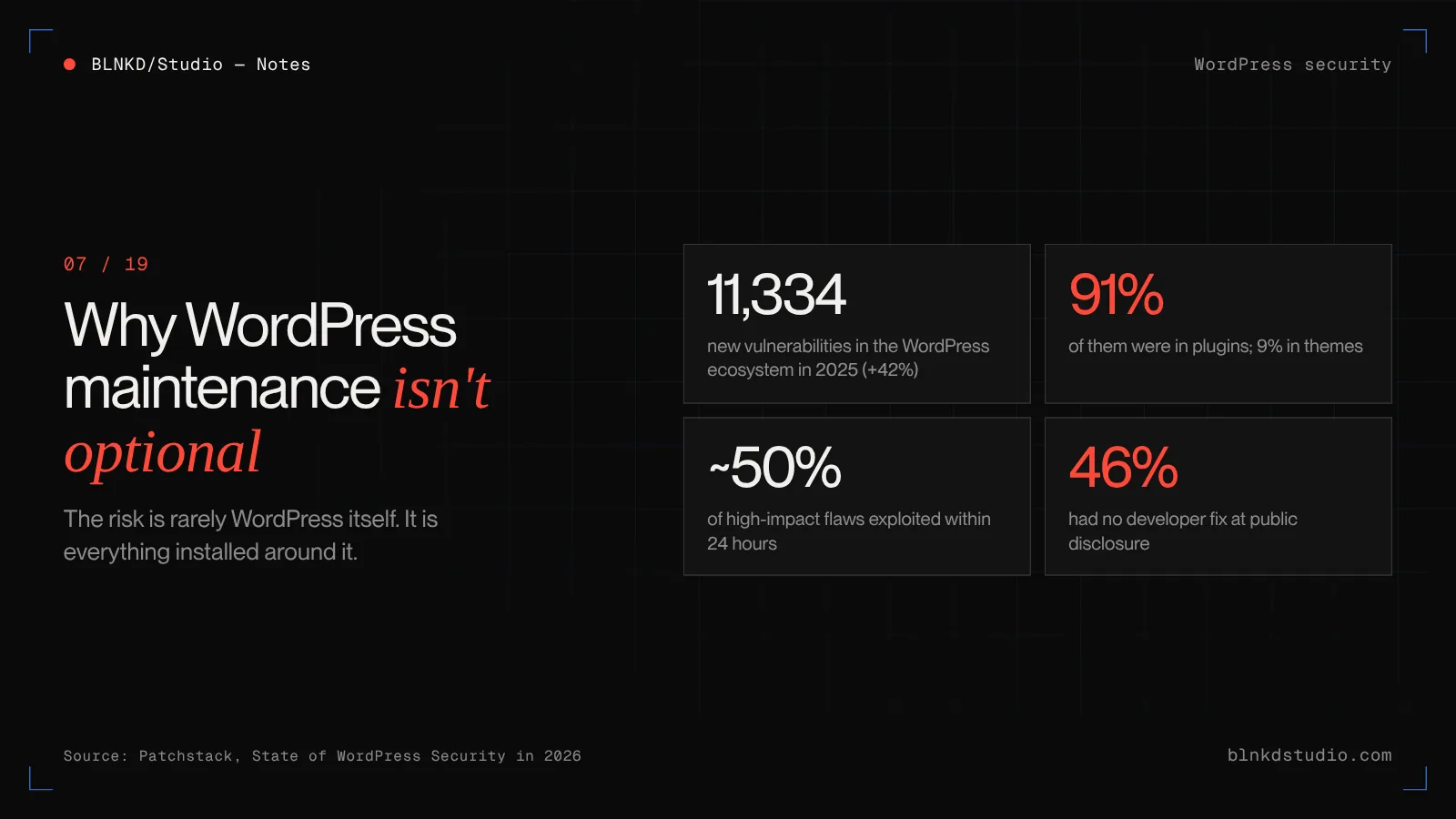
WordPress runs a large share of the web, and that is exactly why it is targeted. The software itself is well looked after. The risk is everything installed around it.
Patchstack's State of WordPress Security in 2026 report counted 11,334 new vulnerabilities in the WordPress ecosystem during 2025, a 42% increase on the year before. 91% were in plugins and 9% in themes; WordPress core accounted for only a handful. Around half of high-impact vulnerabilities were exploited within 24 hours, and 46% had no fix from the developer by the time they were made public.
Read that last figure again. On nearly half of disclosed issues, "just keep everything updated" was not enough on the day, because there was no update yet. That is why proper WordPress maintenance includes a firewall or virtual patching layer, fewer plugins, and someone who actually reads the security advisories.
None of this makes WordPress a bad choice. For content-heavy sites, real integrations, multilingual or membership, it is often the right one. It does mean the maintenance line in your budget is not optional, and it should not be the cheapest thing you buy.
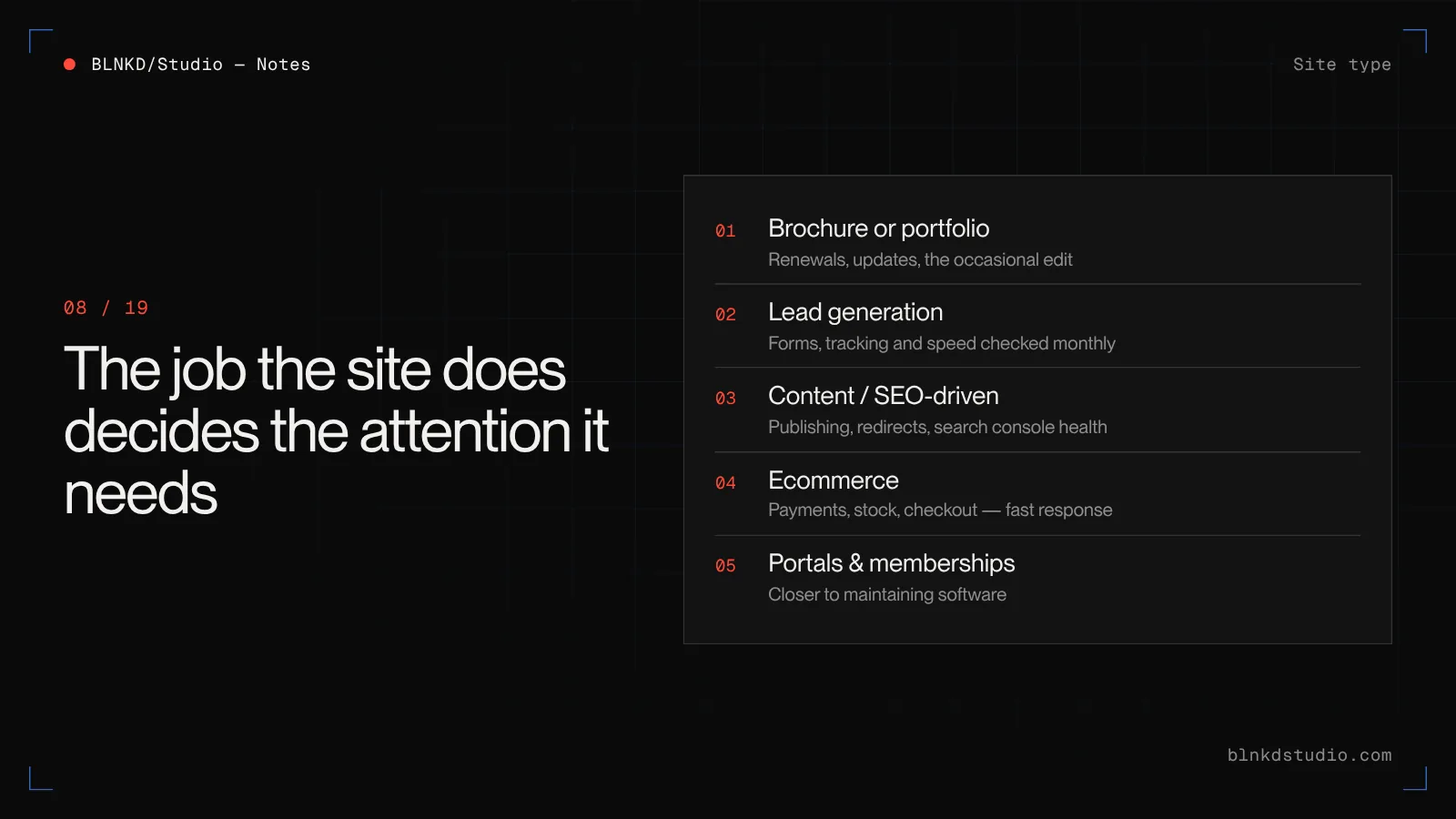
What changes the cost for your type of business
Beyond the platform, the job the website does for your business decides how much attention it needs.
- Brochure or portfolio site
- Few changes, few integrations, low risk. Maintenance is mostly renewals, updates and an occasional edit. The bottom of the small business range.
- Lead generation site
- The site's job is to produce enquiries, so the forms, tracking and speed matter. A form that silently stops sending can cost a month of leads before anyone notices. Monitoring the forms is part of the job.
- Content or SEO-driven site
- Regular publishing, internal linking, redirects when pages move, and search console health. More hours, mostly in content and checks rather than fixes.
- Ecommerce
- Payments, inventory, order emails, tax rules and checkout performance. Every hour of downtime has a revenue number attached, so response time and staging-tested updates are worth paying for.
- Portals, bookings and memberships
- Logged-in users, personal data and business logic. This is closer to maintaining software than a website, and should be budgeted that way.
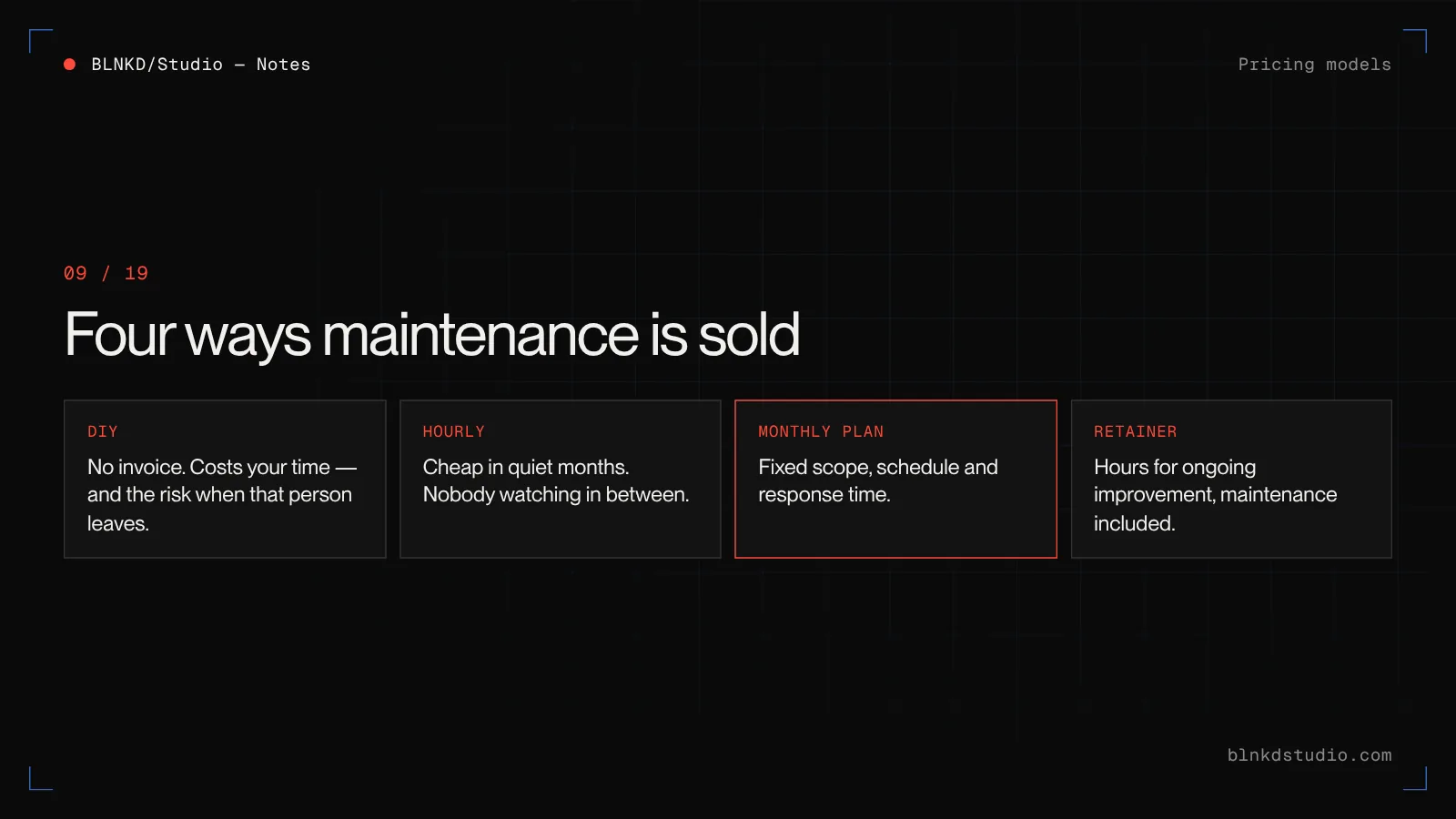
The four ways maintenance is sold
Every provider packages maintenance in one of four ways. Knowing which one you are being offered tells you more than the price does.
- Do it yourself
- No invoice, but not free. It costs your time, and the hidden cost is what happens when the person who knew how leaves. Workable for a simple hosted-platform site with an owner who enjoys it.
- Hourly, as needed
- You call when something breaks and pay for the time. Cheap in quiet months, expensive in bad ones, and nobody is watching the site in between — so problems are found by your customers.
- Monthly care plan
- A fixed fee for a defined set of work: updates, backups, monitoring, a number of edit hours, a response time. Predictable, and the most common model for small and mid-sized businesses.
- Retainer
- A block of hours each month for ongoing design, development and improvement, usually with maintenance included. Right when the site is actively growing, not just being kept alive.
If you take one thing from this section: a monthly plan is not more expensive than hourly support. It is the same work, scheduled before things break instead of after.
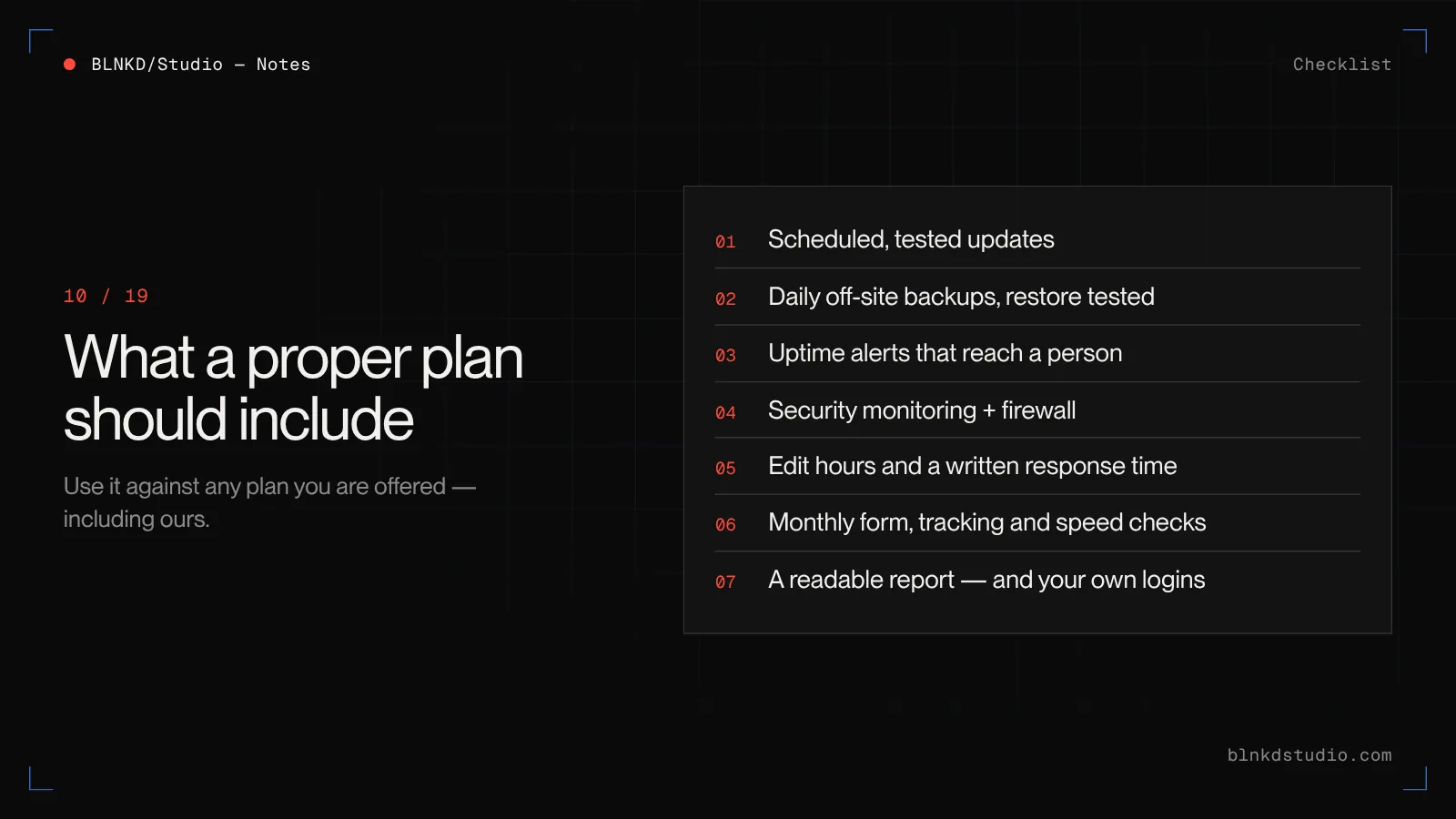
What a proper maintenance plan should include
Use this as a checklist against any plan you are offered, including ours.
- Platform, theme and plugin updates on a stated schedule — and for WordPress, tested on staging first for anything beyond a minor update
- Daily backups stored off the server, with a restore that has actually been tested
- Uptime monitoring with alerts that reach a person, not just an inbox
- Security monitoring and a firewall, plus a written plan for what happens if the site is compromised
- A defined number of edit hours each month, and what happens to unused hours
- A written response time for critical issues, such as the site being down or a form not sending
- Monthly checks on forms, analytics and conversion tracking
- Speed and Core Web Vitals monitoring, not just a one-off test at launch
- A short monthly report you can actually read: what was updated, what was fixed, what to look at next
- Clear ownership: you own the domain, hosting account and site, and you get the logins
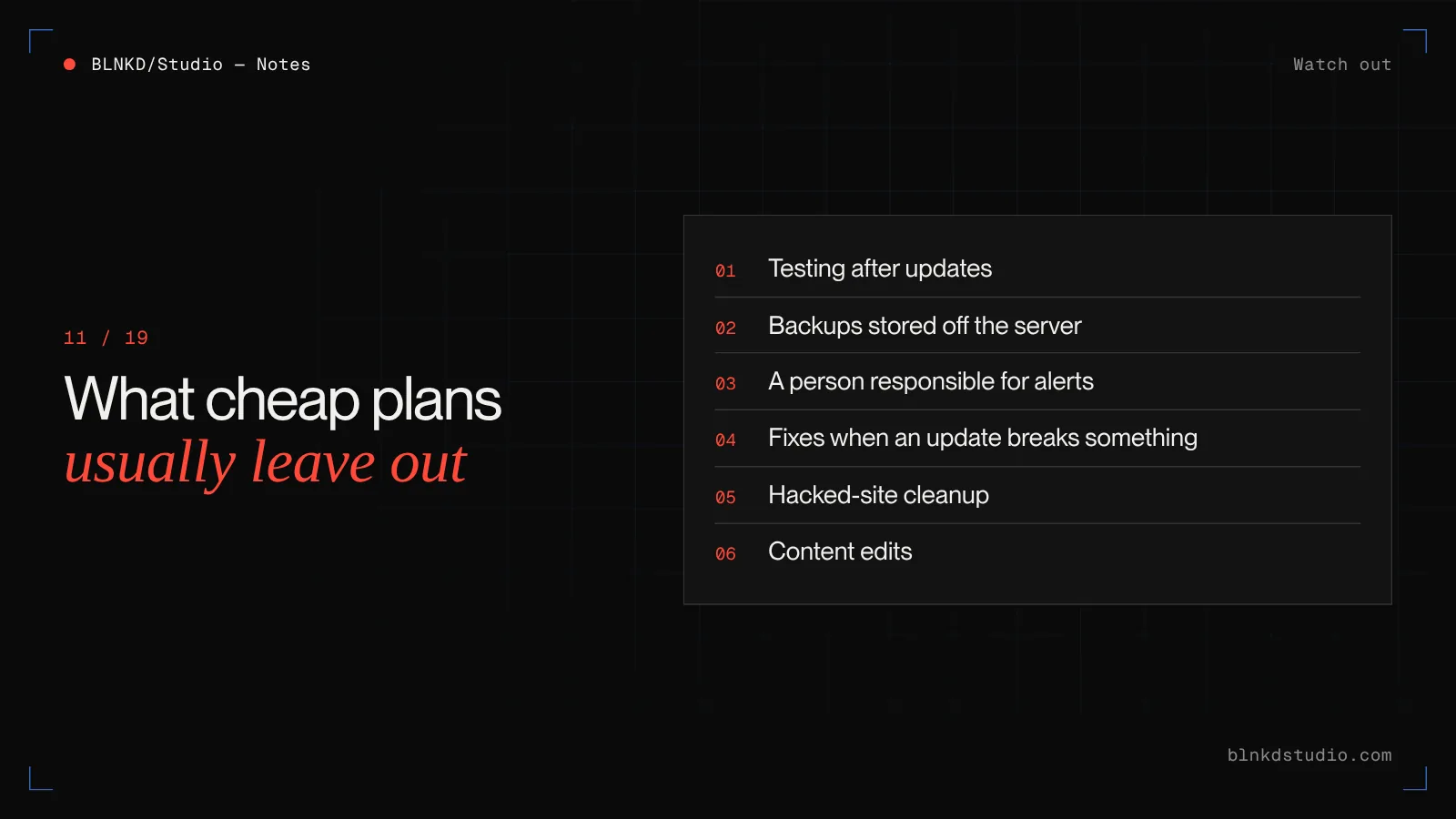
What cheap maintenance plans usually leave out
There are maintenance plans advertised at a few dollars a month. Some are perfectly honest about what they are. The question is what is missing at that price.
- Testing. Updates are applied automatically and nobody checks whether the site still works afterwards.
- Restores. Backups exist, but they are stored on the same server as the site, so they disappear with it.
- A person. Monitoring sends an automated email, and nobody is responsible for reading it.
- Fixes. The plan covers updates, and anything an update breaks is billed separately by the hour.
- Hacked-site cleanup. Malware removal is excluded or charged as an emergency.
- Edits. Even a phone number change is a separate request with a separate invoice.
What skipping maintenance actually costs
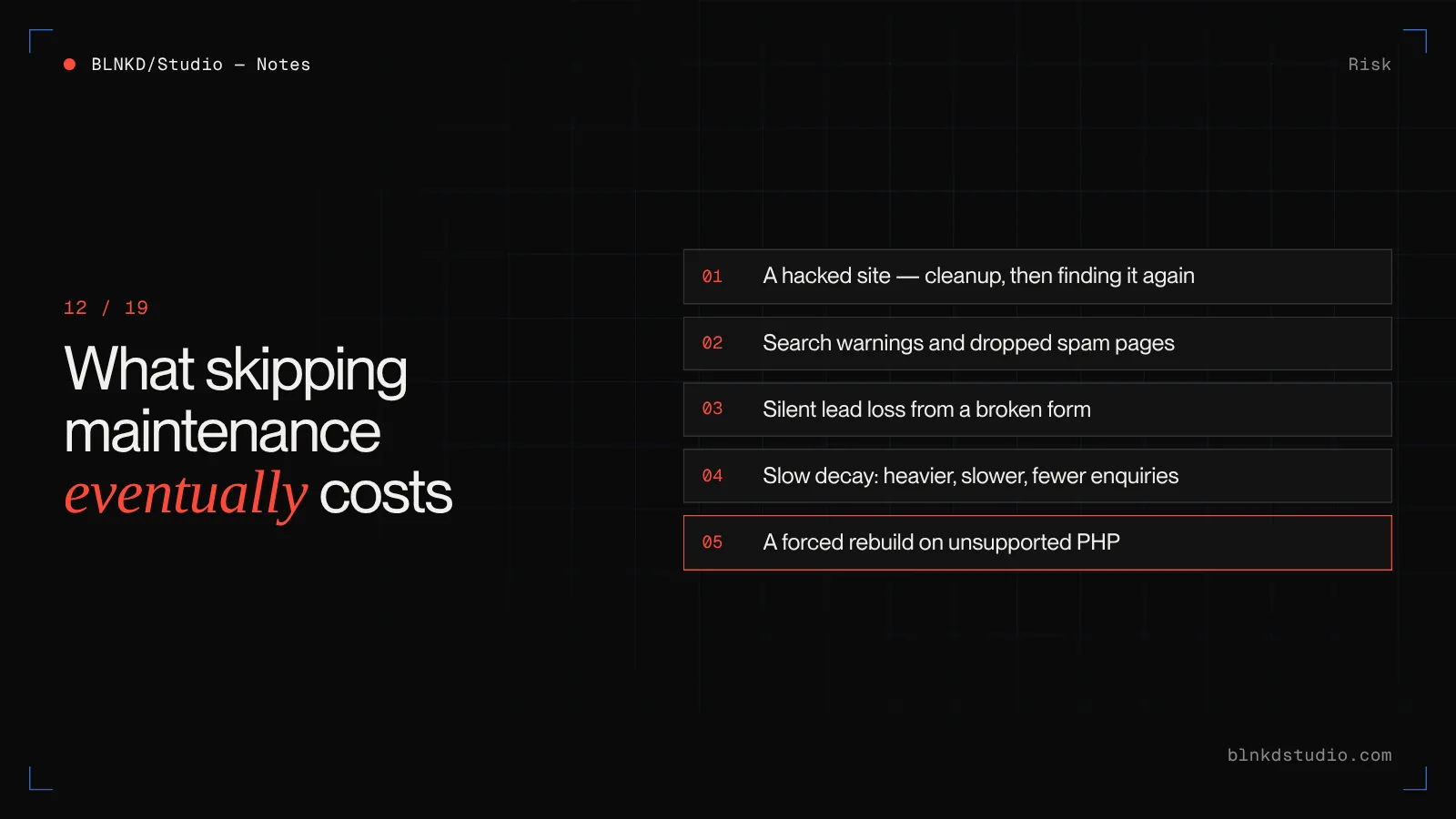
The real comparison is not a maintenance plan against nothing. It is a maintenance plan against what an unmaintained site eventually costs you.
- A hacked site
- Cleanup, rebuilding trust with Google, and often finding the infection again weeks later because the way in was never closed. A common pattern in the hacked sites we recover: spam pages injected weeks or months before anyone noticed.
- Search visibility
- Google may warn visitors away from a compromised site or drop spam-injected pages from results. Recovering from that takes a cleanup, a review request through Search Console, and time.
- Silent lead loss
- A contact form that stopped sending after an update. The site looks fine, so nobody checks — until someone asks why enquiries dried up.
- Slow decay
- Images added without optimisation, plugins added and never removed, scripts piling up. The site gets slower every month and conversion rates follow.
- A forced rebuild
- Leave a WordPress site unupdated long enough and the PHP version it needs is no longer supported by the host. At that point, maintenance has become a project.
Google's own guidance for hacked sites is a multi-step process: identify the hack, close the vulnerability, clean the site, then request a review. It works. It is also far more expensive than the monitoring that would have caught it.
How to estimate your own maintenance budget
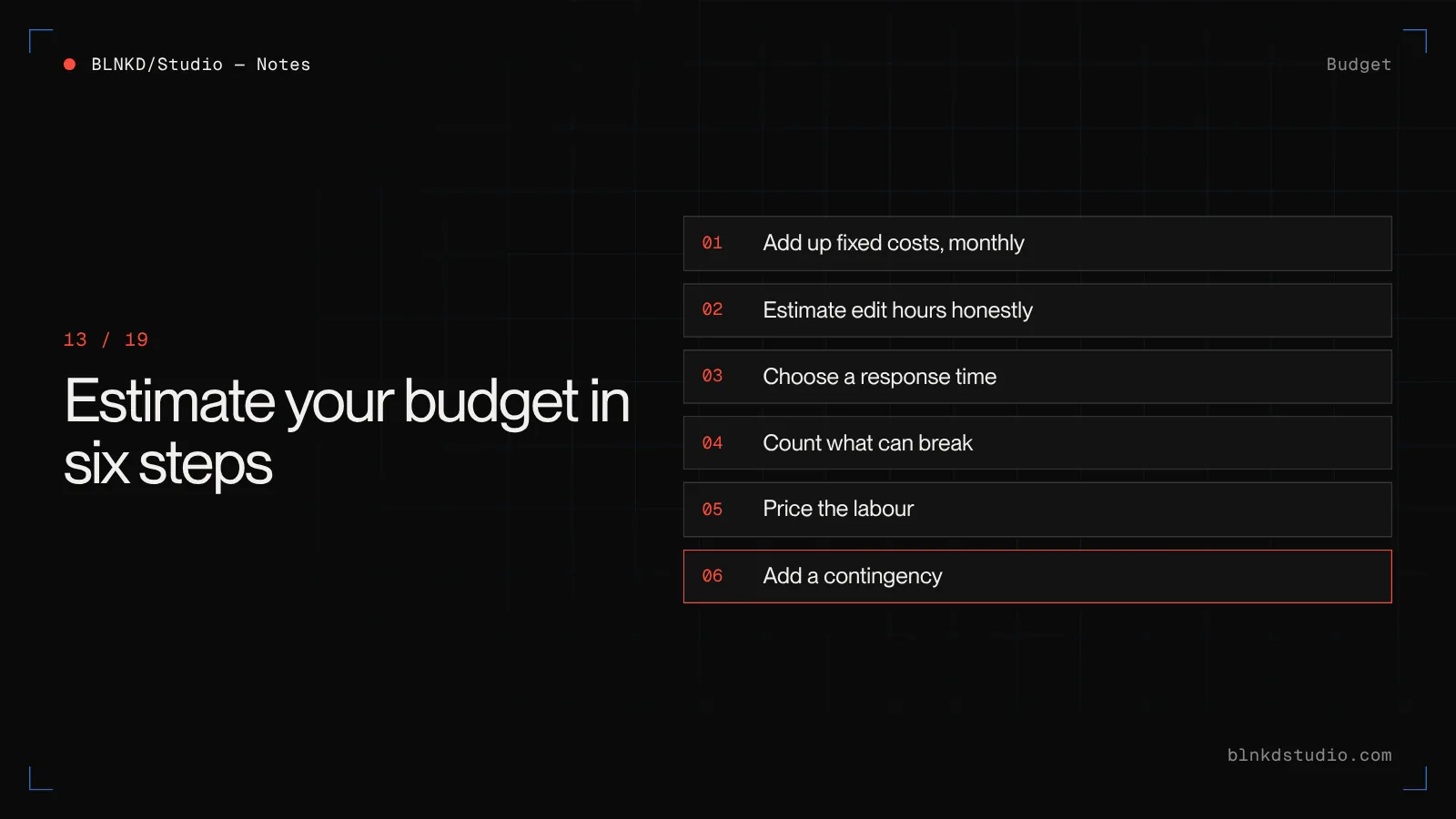
You do not need a quote to get a realistic number. Work through it in this order.
- Add up the fixed costs: domain, hosting or platform plan, email and every licence. Convert annual items to a monthly figure.
- Write down how often the site changes and who changes it. A monthly figure in hours is enough — be honest, not optimistic.
- Decide how fast you need a response if the site is down or a form breaks. Same day, next business day, or whenever.
- Count what can break: plugins, integrations, forms, payments, bookings, logins. More moving parts, more labour.
- Price the labour: either the plan tier that covers your hours and response time, or your hours multiplied by your internal or freelance rate.
- Add a small contingency for the year — something unexpected always happens, usually in the month you are busiest.
Most small business sites we work with land in the low hundreds per month once the honest version of this exercise is done. Sites that land far below that are usually leaving out steps four and five.
How to lower maintenance costs without cutting corners
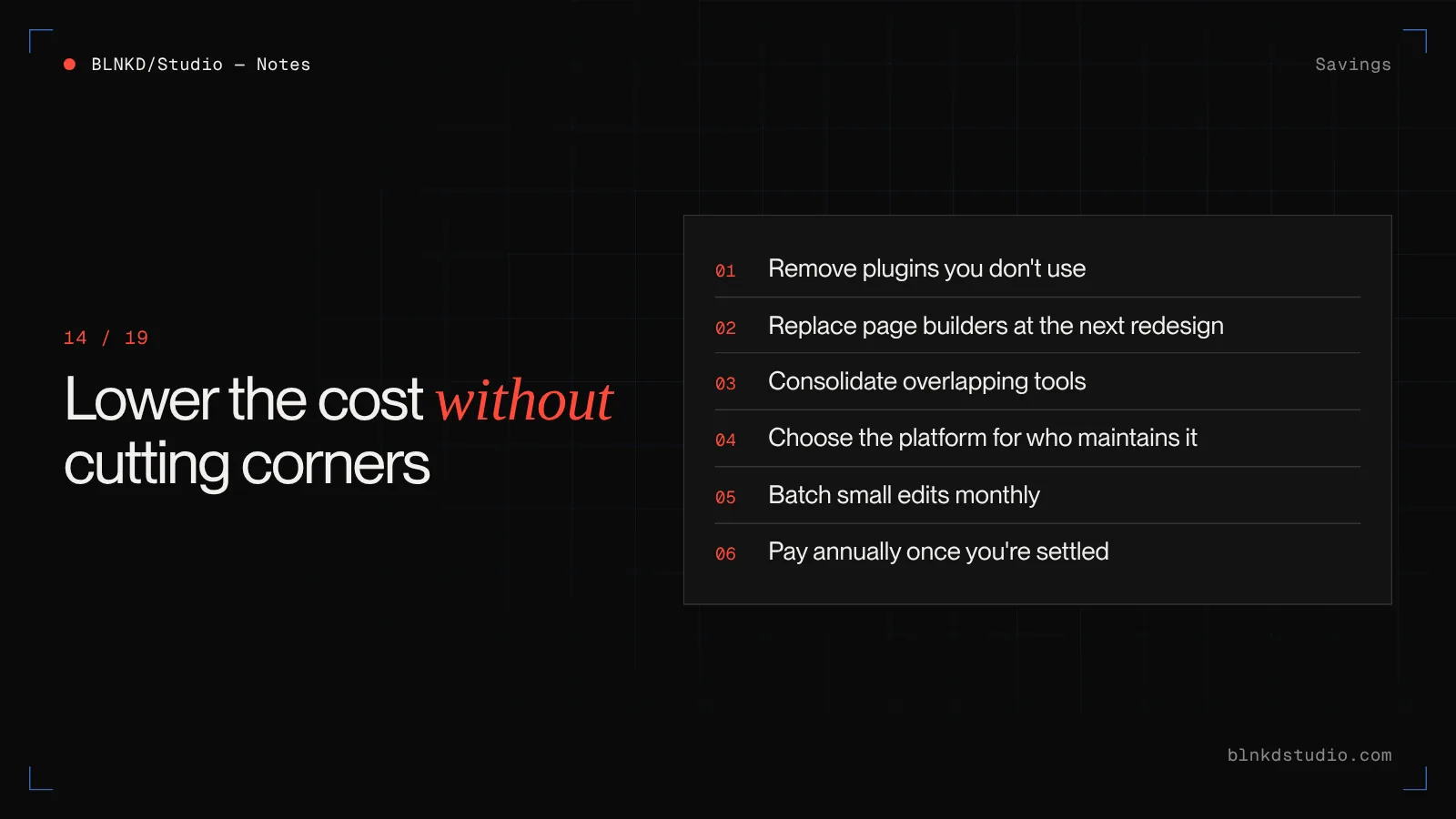
There are real ways to spend less that do not involve taking on more risk.
- Remove plugins you do not use. On inherited WordPress sites it is usually the first and cheapest win — every plugin removed is one less thing to update and secure.
- Replace a page builder with a purpose-built theme when you next redesign. It is faster, easier to edit and far easier to maintain.
- Consolidate tools. Three form plugins, two SEO plugins and a separate pop-up tool are common, and each is a separate licence and a separate risk.
- Choose the platform for who maintains it. If nobody on your team will update WordPress, a hosted platform may cost less over three years.
- Batch small edits into a monthly list instead of sending them one at a time.
- Pay annually where the platform discounts it, once you are sure the site is staying on that platform.
Red flags in a website maintenance quote
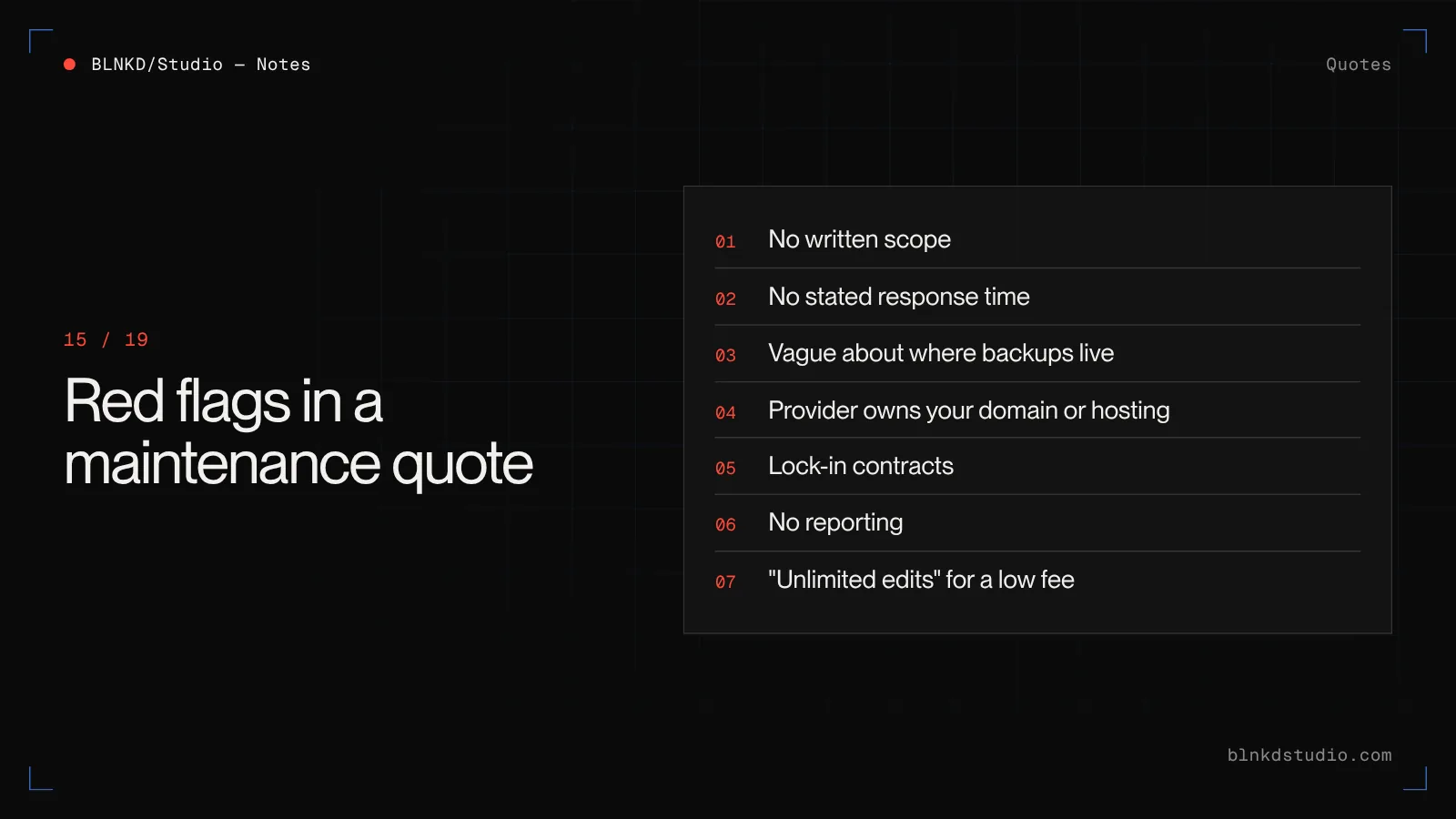
Most providers are fine. These are the signs that a particular quote will cost you later.
- No written list of what is included and what is billed extra
- No stated response time, only "we'll get to it"
- Backups described, but not where they are stored or how often a restore is tested
- The provider owns your domain or hosting account and will not hand over the logins
- Long lock-in contracts with cancellation fees for a service that should earn your renewal
- No reporting — you pay every month and never see what was done
- Unlimited edits for a low flat fee, which usually means slow edits
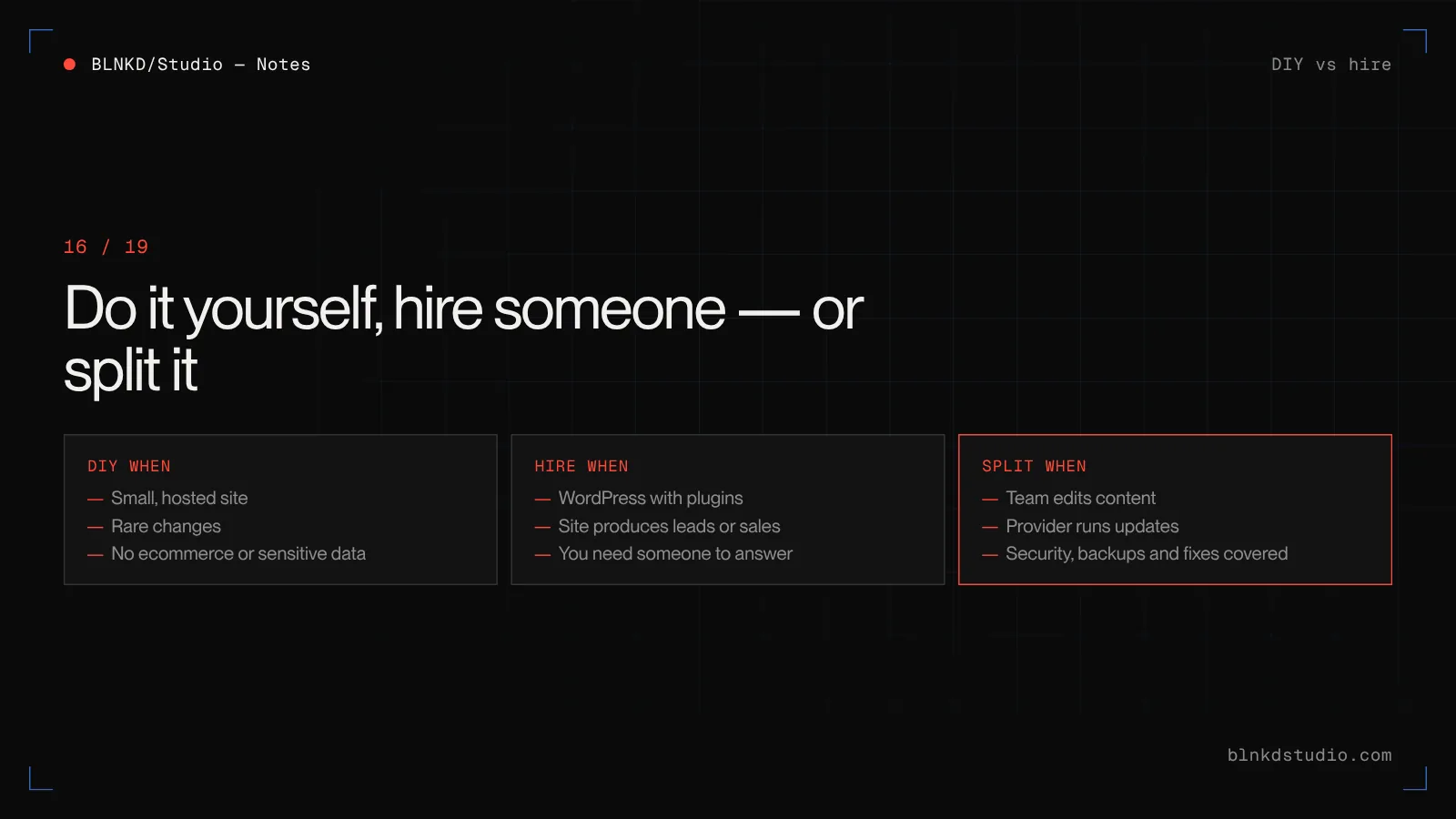
Doing it yourself vs hiring someone
Doing your own maintenance is a reasonable decision for some sites. The test is not whether you can — it is whether you will, every month, including the months you are busy.
- DIY makes sense when
- The site is small and on a hosted platform, changes are occasional, there is no ecommerce or sensitive data, and someone on the team genuinely enjoys it and has the time.
- Hire someone when
- The site runs on WordPress with several plugins, it produces leads or sales, you need someone to answer when it breaks, or the person who maintained it has left.
- Split it when
- Your team handles content edits in the CMS and a provider handles updates, security, backups and fixes. This is often the best value for growing businesses.
What BLNKD charges for website maintenance
We publish our prices, because a maintenance plan you cannot compare is a maintenance plan you cannot trust.
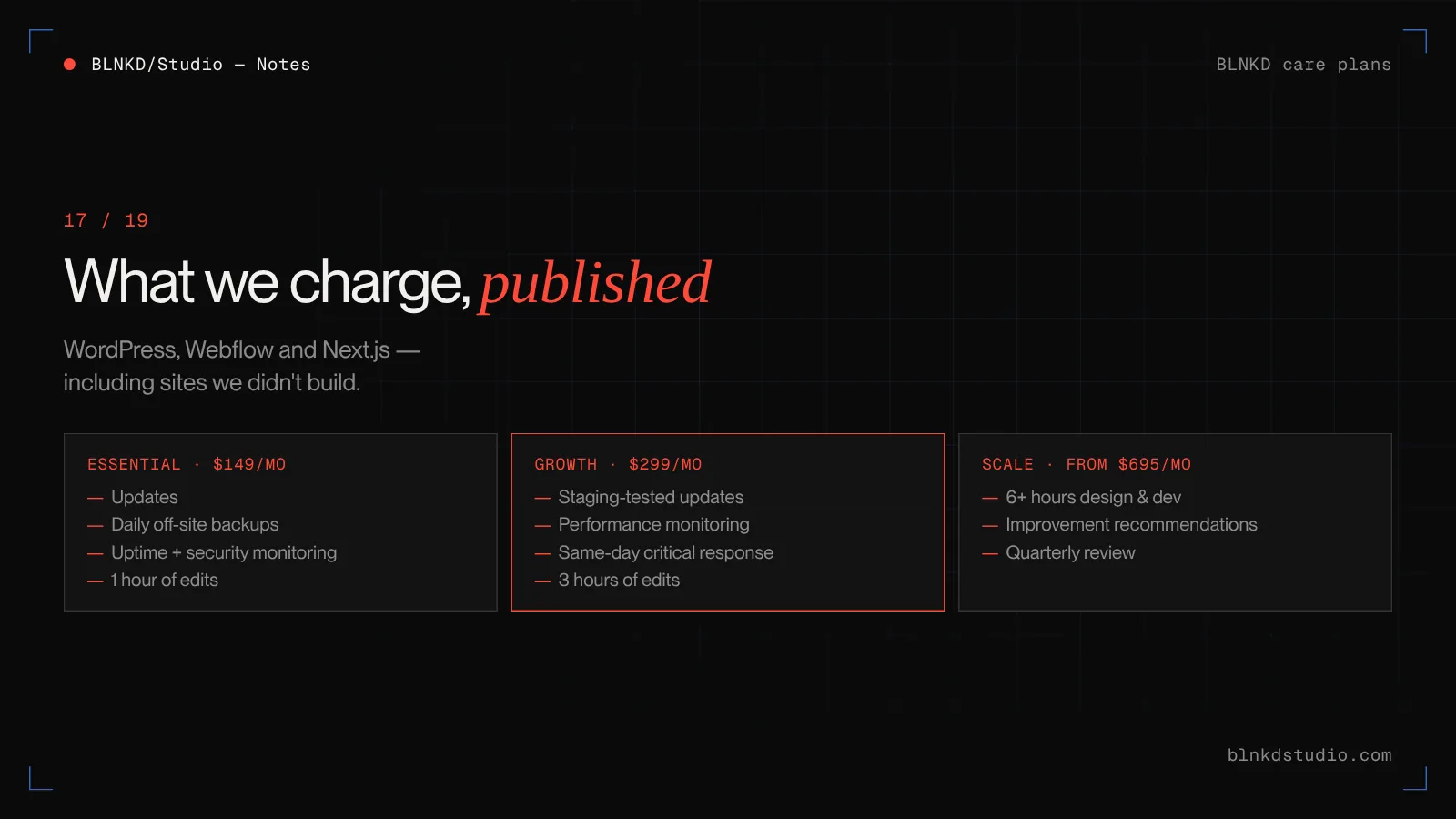
- Essential — $149/month
- Updates, daily off-site backups, uptime and security monitoring, 1 hour of edits and a monthly report.
- Growth — $299/month
- Everything in Essential, plus staging-tested updates, performance monitoring, same-business-day critical response and 3 hours of edits.
- Scale — from $695/month
- Everything in Growth, plus 6+ hours of design and development a month, improvement recommendations and a quarterly review.
We look after WordPress, Webflow and Next.js sites, including sites we did not build. If a site has been compromised, we clean it and close the way in before it goes onto a plan.
Compare care plans — What each plan covers, response times, and how we take over a site built by someone else.
When maintenance is no longer the answer
Sometimes the honest answer is that the site costs more to keep alive than to replace.
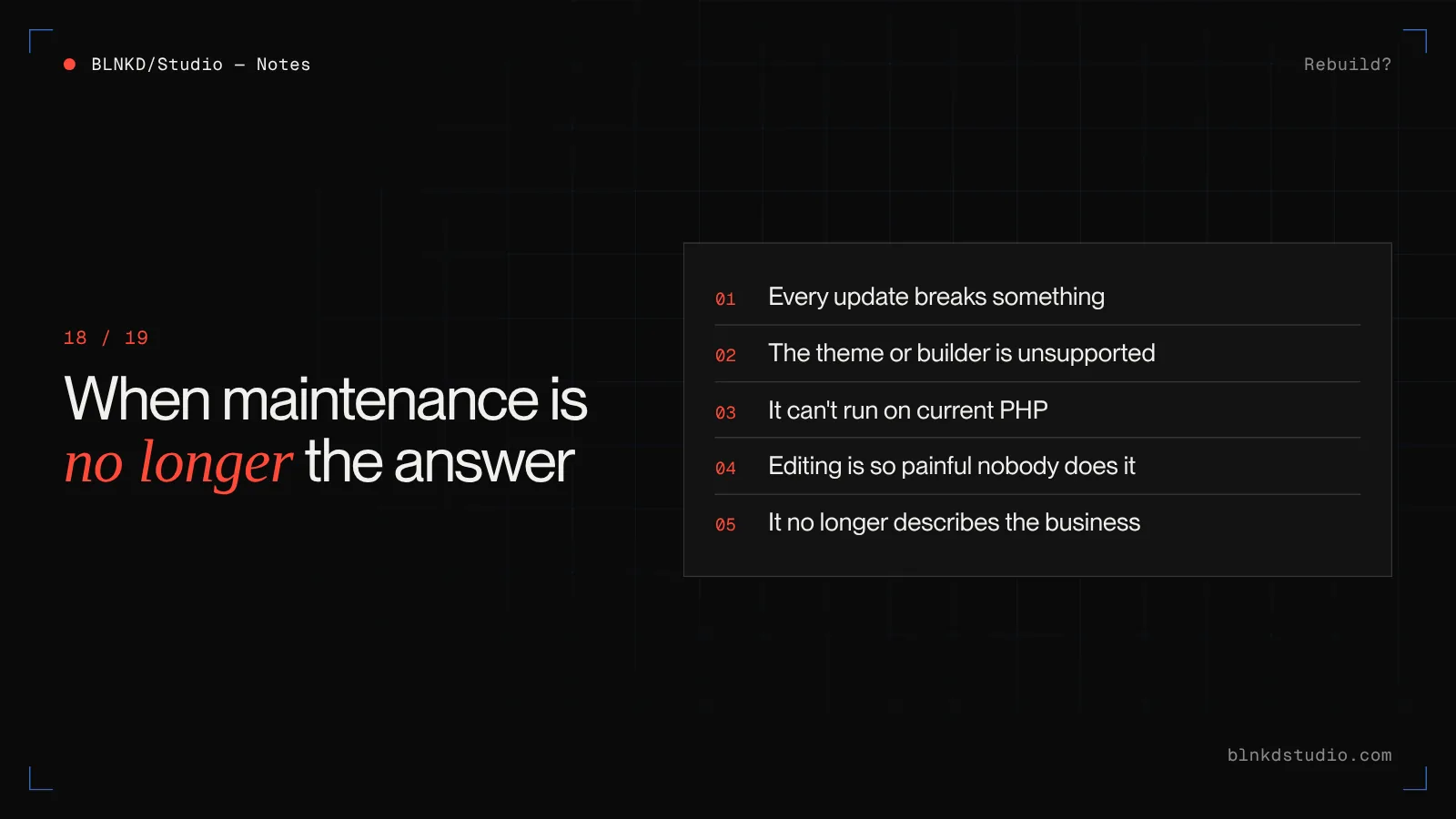
The signs: every update breaks something, the theme or page builder is no longer supported, the site cannot run on a current PHP version, editing is so painful that nobody does it, or it simply no longer describes the business you have become. At that point, money spent on maintenance is money spent postponing a rebuild.
If you are there, price the rebuild properly and make sure the new site is designed to be cheaper to maintain than the old one.
How much does a professional website cost? — What a rebuild costs by band, and the ongoing costs most quotes leave out.
Conclusion
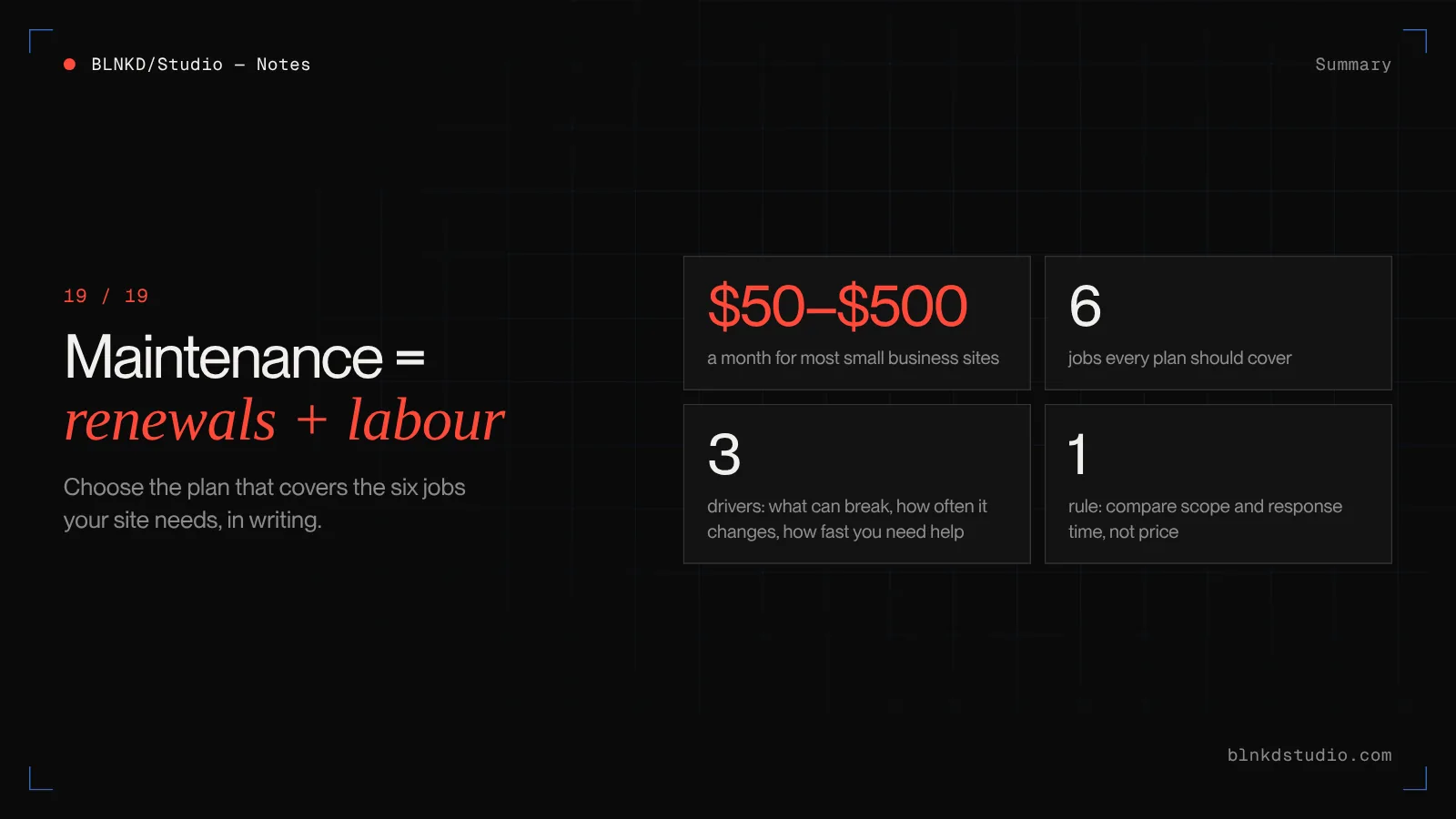
Website maintenance is not one cost. It is fixed renewals plus the labour of keeping the site updated, secure, working and accurate.
For most small businesses that honestly lands between $50 and $500 a month. Where you fall depends on the platform, how much can break, how often the site changes and how fast you need help.
The cheapest plan is rarely the cheapest outcome. The right plan is the one that covers the six jobs your site actually needs, in writing, from someone who answers when it breaks.
Frequently asked questions
How much does website maintenance cost per month?
Most small business websites cost between $50 and $500 a month to maintain. Basic sites can cost little more than the platform fee, while corporate sites often run $1,000 to $5,000 or more.
How much does it cost to maintain a website per year?
For a typical small business site, roughly $600 to $6,000 a year including hosting, renewals and labour. Ecommerce, corporate and heavily integrated sites cost more.
What is included in website maintenance?
Six jobs: renewals and hosting, software updates, security and backups, fixes, content changes, and regular checks on speed, forms and tracking.
Why does WordPress maintenance cost more than Webflow?
On WordPress you are responsible for updating core, themes and plugins and for security. On Webflow the platform handles updates and hosting, so you pay more in plan fees and less in labour.
Do I really need website maintenance?
Yes, if the site matters to your business. Unmaintained sites get slower, break after updates and become easier to compromise, and fixing those problems costs more than preventing them.
How often should a website be maintained?
WordPress sites should be updated and checked weekly, with daily backups. Hosted-platform sites need less frequent technical work but still benefit from monthly checks on forms, tracking and speed.
What is the cheapest way to maintain a website?
Use a hosted platform, keep plugins and integrations to a minimum, batch your edits, and handle simple content changes yourself while paying a provider only for updates, security and fixes.
Is a monthly maintenance plan better than paying hourly?
For most business sites, yes. Hourly support only starts after something breaks, while a monthly plan schedules the work that stops it breaking and includes a defined response time.
What does a cheap website maintenance plan leave out?
Usually testing after updates, off-server backups, a person responsible for alerts, fixes for anything an update breaks, hacked-site cleanup and content edits.
How much does it cost to fix a hacked website?
It depends on how deep the infection is and how long it has been there. Expect it to cost far more than a year of security monitoring, and make sure any cleanup includes closing the way the attacker got in.
Does website maintenance include hosting?
Sometimes. Some plans bundle hosting, others manage hosting you pay for separately. Check the quote, and make sure the hosting account is in your name either way.
Does website maintenance include SEO?
Basic technical health checks often are, such as broken links, speed and search console warnings. Ongoing SEO work like content, keyword targeting and link building is usually a separate service.
How many hours a month does website maintenance take?
A small hosted-platform site might need an hour or two a month. A WordPress lead-generation site with regular edits usually needs several. Active content or ecommerce sites need more.
Can I maintain my website myself?
Yes, if the site is simple, changes rarely and someone will reliably do it every month. Many businesses split the work: the team edits content and a provider handles updates, security and fixes.
What happens if I stop maintaining my website?
Nothing at first. Over months, plugins and software fall out of date, security risk grows, things quietly break, and eventually the site may need a rebuild to run on current hosting.
Should my maintenance provider own my domain and hosting?
No. The domain, hosting account and site should be registered to your business, with the provider given access. That way you can change providers without losing anything.
What is a reasonable response time for website maintenance?
For a site that produces leads or sales, same business day for critical issues such as the site being down or forms not sending. Routine edits are usually completed within a few business days.
Is it cheaper to rebuild a website than keep maintaining it?
Sometimes. If every update breaks something, the theme is unsupported or the site cannot run on current PHP, a rebuild designed for easier maintenance can cost less over three years.
How do I compare website maintenance quotes?
Compare what is included in writing, the response time, where backups are stored, how many edit hours you get, who owns the accounts, and whether you receive a report — not just the monthly price.
Can BLNKD Studio maintain a website it did not build?
Yes. We maintain WordPress, Webflow and Next.js sites built by other teams. We start with a review, clean up anything compromised, then put the site on a care plan from $149 a month.
Read next
- Care plansUpdates, backups, monitoring and edits from $149 a month.
- Performance & Core Web VitalsWhen maintenance needs to become a speed project.
- How much does a professional website cost?The build cost, by band, and what drives it.
- Webflow vs WordPressIncluding what each costs to keep running over three years.