Platforms
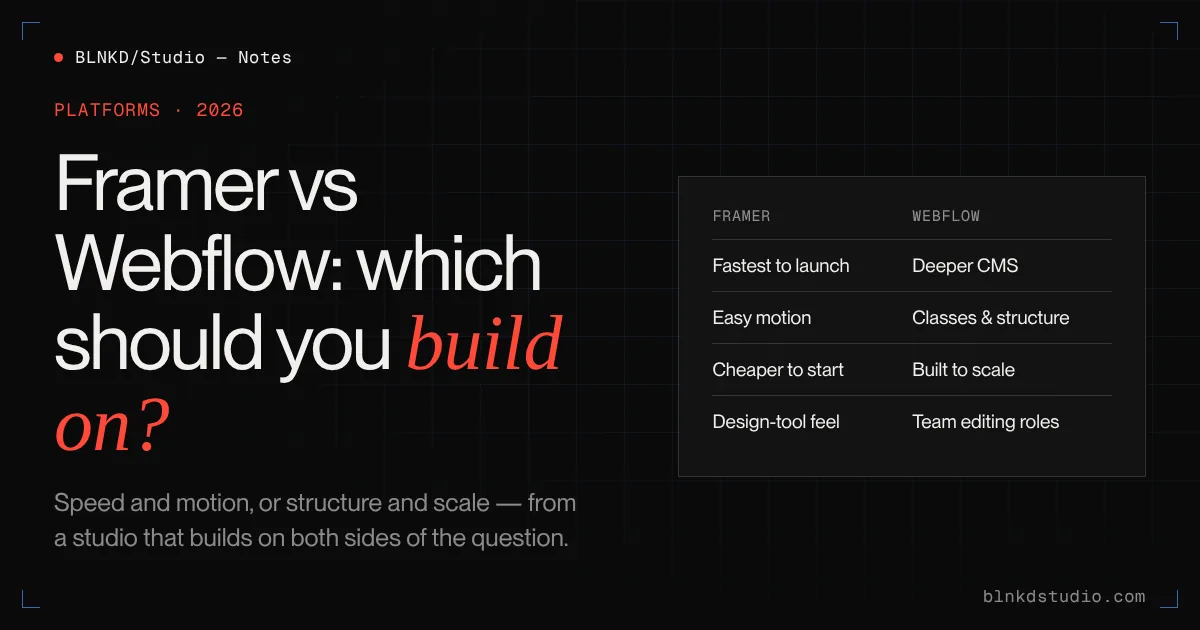
Framer vs Webflow: which should you build your website on?
Framer is faster to a beautiful marketing site. Webflow goes further once content, structure and scale matter. The right choice depends less on the tools than on what your site has to do in two years — here is how to tell.
A year ago, "Framer or Webflow?" was a question designers argued about.
Now it is a question business owners ask on the first call.
Framer has grown quickly, Webflow has been reshaping its product and pricing, and both now market themselves as the obvious choice for a modern company website. Both are capable. Both can produce a fast, good-looking, well-ranking site. And both can be the wrong choice for your specific project.
We build on Webflow, WordPress and Next.js, and we have no partner badge to protect. This is the comparison we walk clients through — including the cases where we tell them to use Framer instead of hiring us.
Webflow development — Figma to Webflow builds, CMS architecture and migrations — for companies and for agencies under white label.
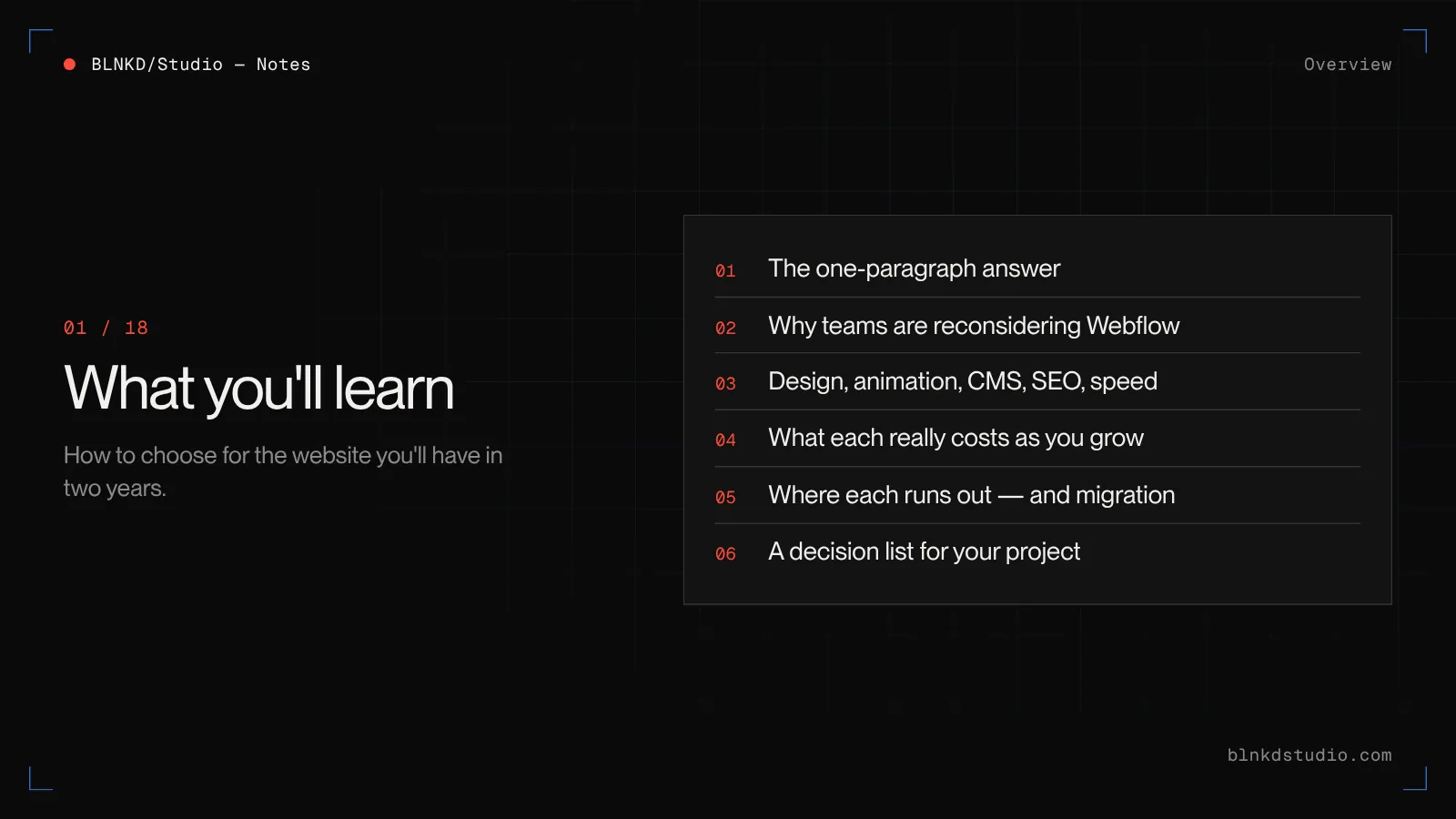
What you'll learn
- The one-paragraph answer, if you only have a minute
- Why so many teams are reconsidering Webflow in 2026
- How the two compare on design, animation, CMS, SEO and performance
- What each really costs once you add editors, CMS and growth
- Where each platform runs out, and what moving between them involves
- A decision list to choose for your own project
The short answer
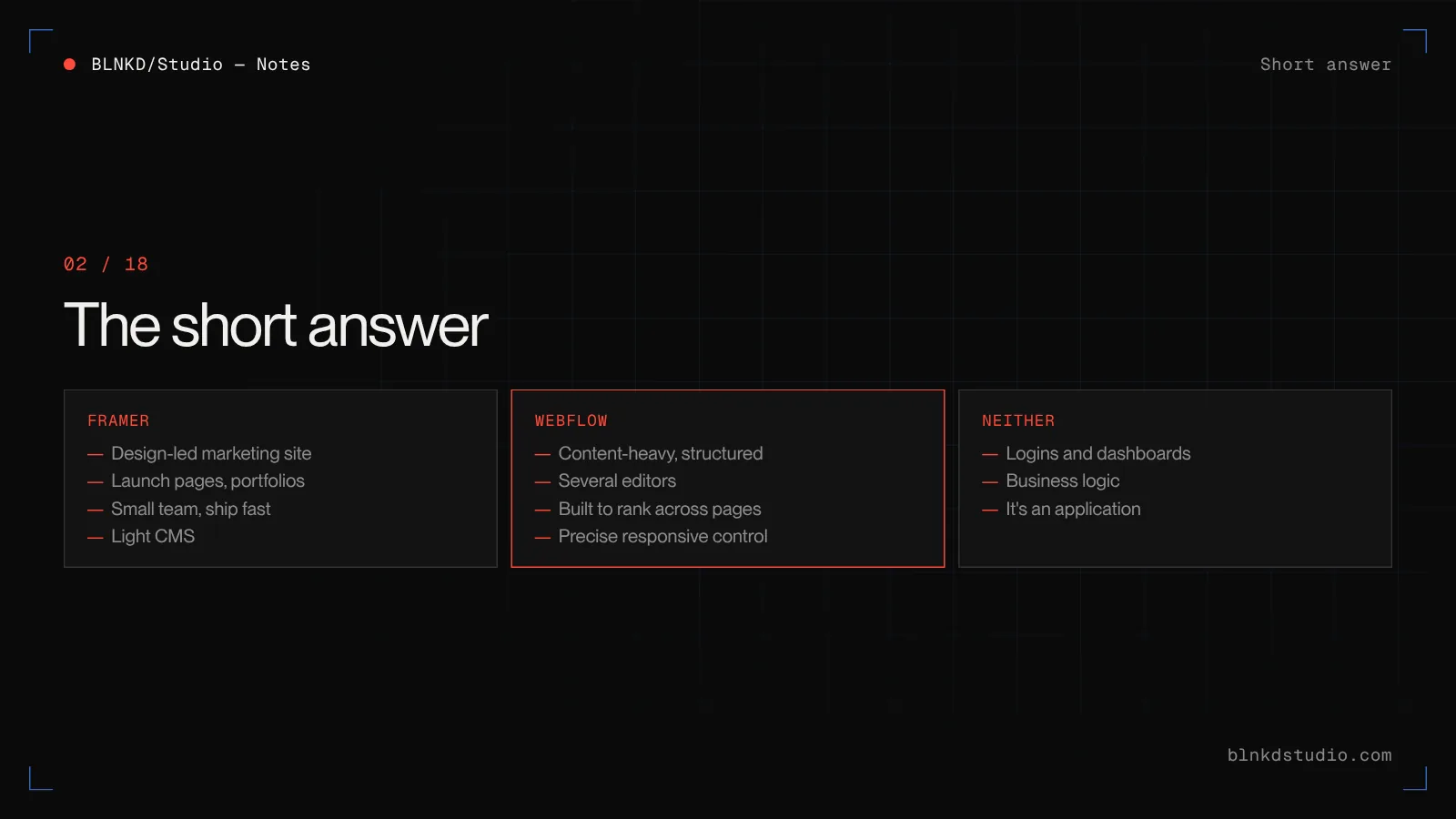
Choose Framer for a design-led marketing site, a launch page, a portfolio or a startup site that a small team wants to ship fast and edit visually, with plenty of motion and a light CMS. Choose Webflow when the site is content-heavy, structured, edited by several people, built to rank across many pages, or needs precise control over responsive layout and classes. If what you are describing is really an application — logins, dashboards, business logic — choose neither.
What Framer and Webflow actually are
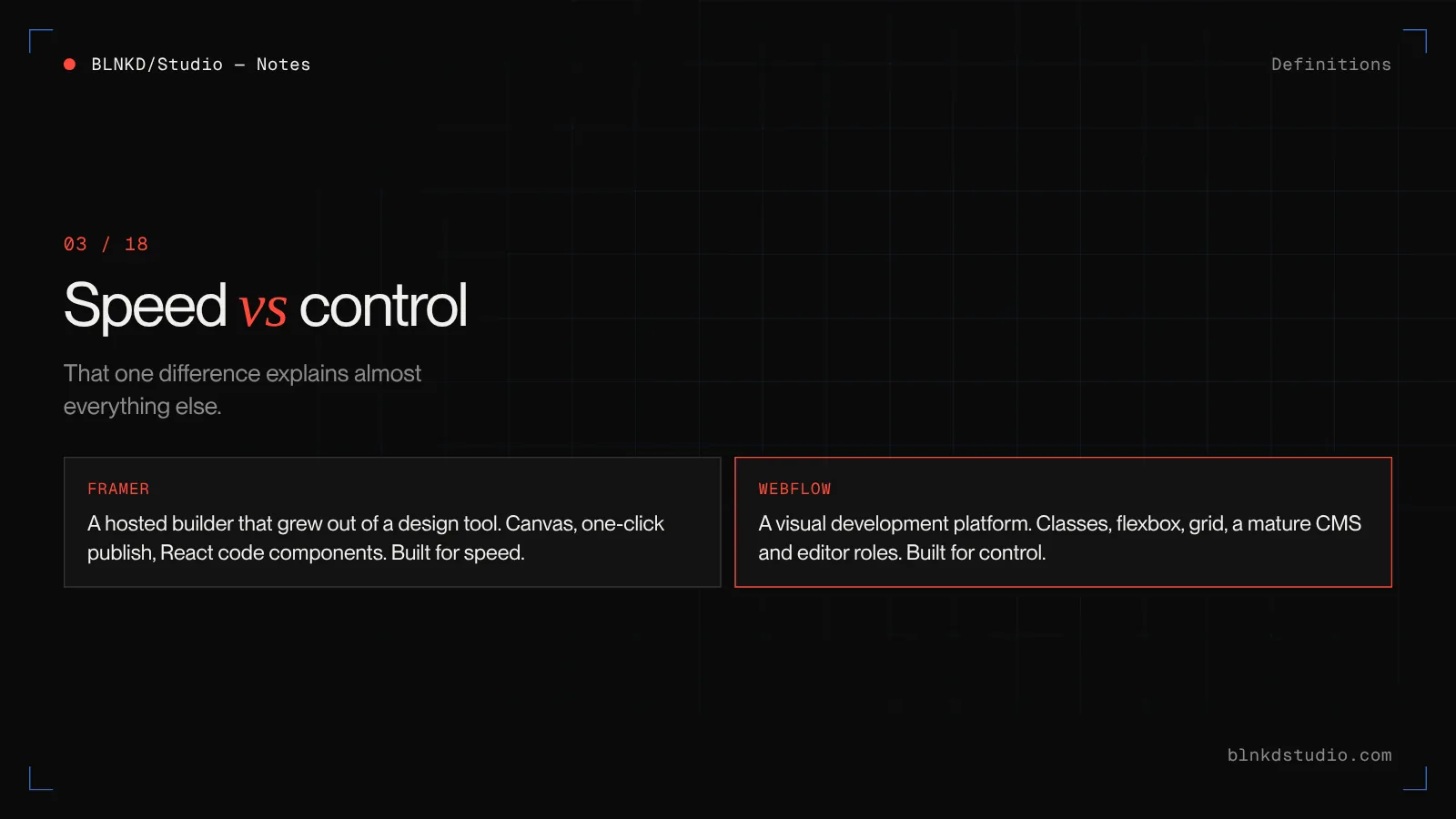
- Framer
- A hosted website builder that grew out of a design and prototyping tool. You design on a canvas that behaves like a design app, publish in one click, and extend it with React code components. It is built around speed: from idea to live site with as little setup as possible.
- Webflow
- A hosted visual development platform. You build with the underlying web concepts — boxes, classes, flexbox, grid — through a visual interface, with a mature CMS, hosting and editor roles in one product. It is built around control: the site does exactly what you structure it to do.
That difference — speed versus control — explains almost every point below.
Why so many teams are asking this in 2026
There are two reasons the question has become urgent.
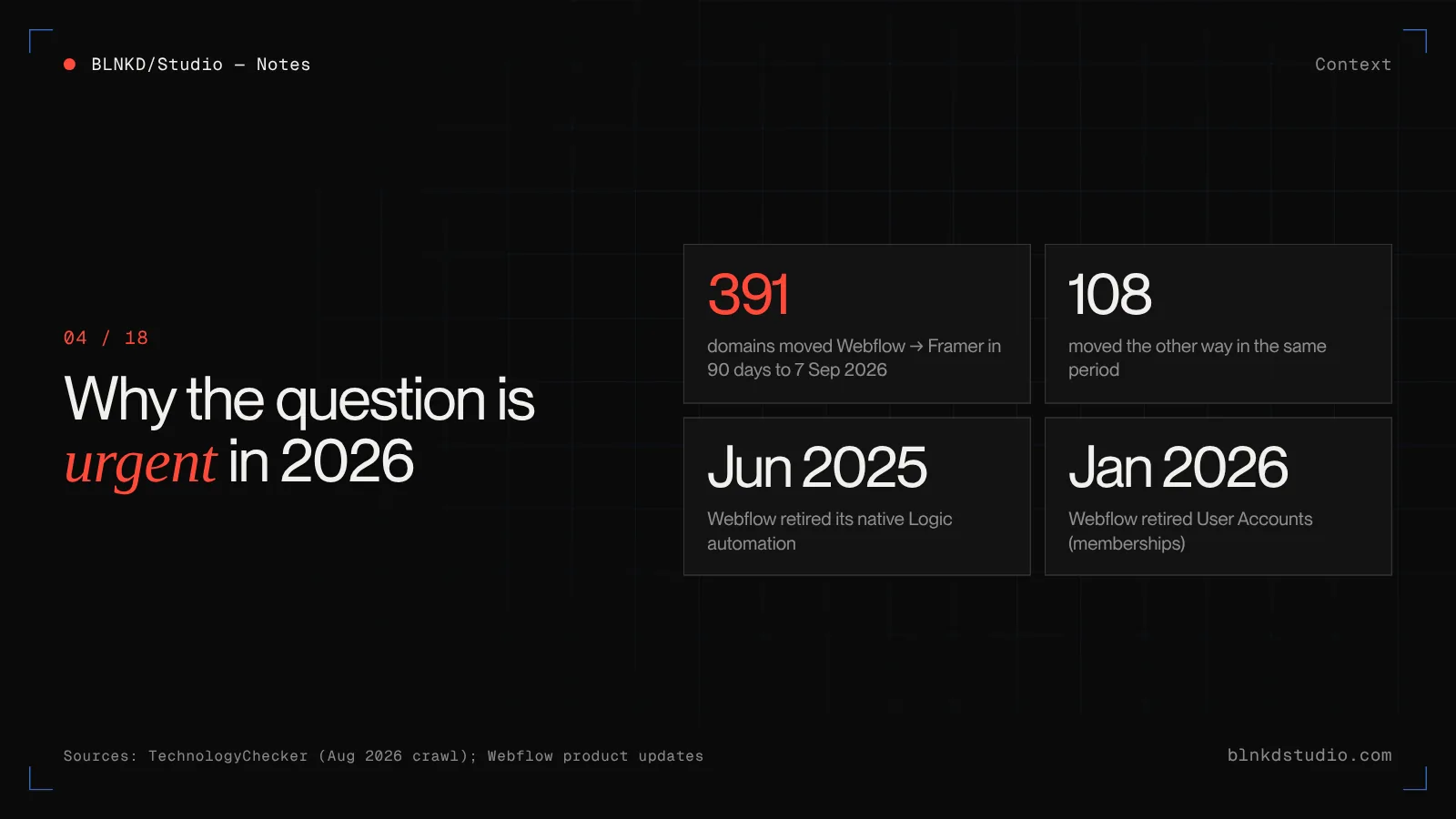
First, Framer's momentum is real. TechnologyChecker's crawl data showed 391 domains moving from Webflow to Framer in the 90 days to 7 September 2026, against 108 moving the other way — the clearest one-way flow of any site-builder pair it tracks. Webflow still runs far more sites overall, but the direction of travel among smaller marketing sites is obvious.
Second, Webflow has been narrowing its own product. It retired its native Logic automation feature in June 2025 and its User Accounts membership feature in January 2026, pointing customers to partners such as Zapier, Make, Memberstack and Outseta instead. Teams who relied on those features had to rebuild them elsewhere, and many used the moment to reconsider the whole platform.
Neither fact tells you what to choose. Both are good reasons to choose deliberately rather than by habit.
Design and the building experience
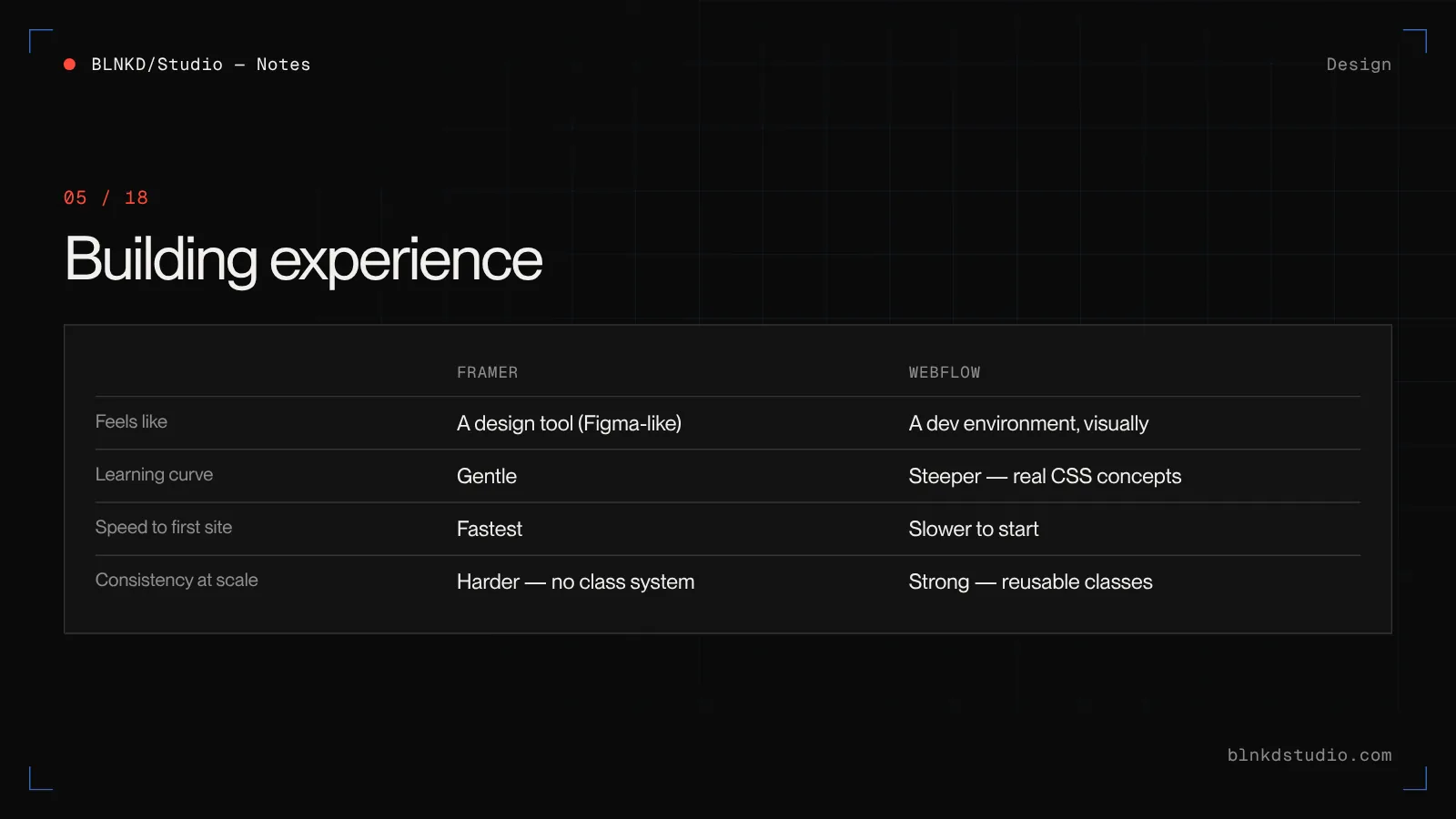
Framer feels like a design tool because it started as one. Designers coming from Figma are productive almost immediately: drag, stack, set breakpoints, publish. For a marketing site with a strong visual idea, it is the shortest path we know from concept to live page.
Webflow asks more of you. You are working with real CSS concepts — classes, combo classes, flexbox, grid, inheritance — through a visual interface. The learning curve is steeper. The payoff is precision: layouts behave predictably across every breakpoint, styles are reusable across hundreds of pages, and a well-built Webflow project stays tidy as it grows.
The trade-off shows up later. A Framer site built fast can become hard to keep consistent as pages multiply, because it has no class system in the way Webflow does. A Webflow site built well is slower to start and far easier to extend.
Animation and interactions
This used to be a clear Framer win. It is now closer.
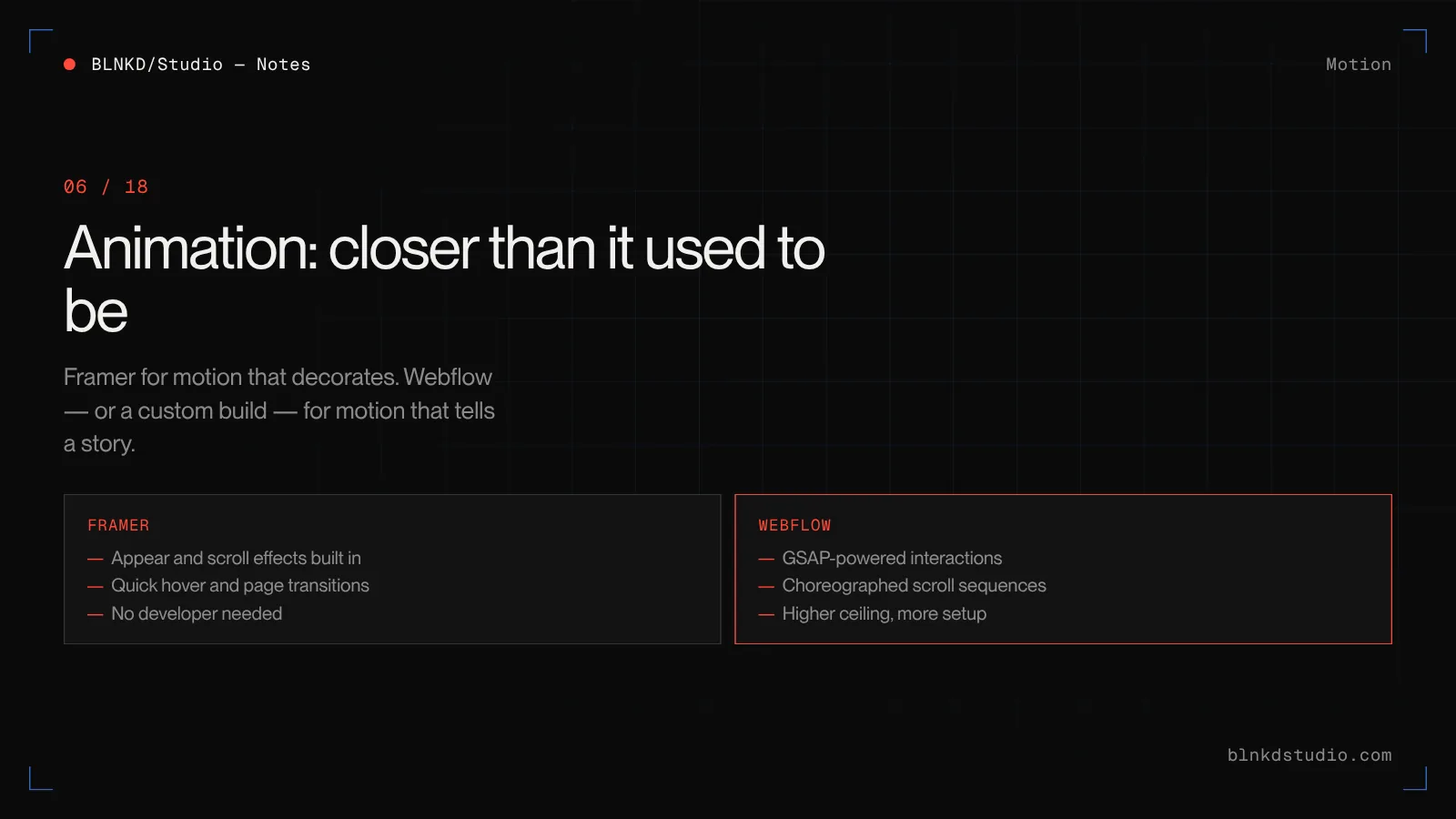
Framer makes motion easy: appear effects, scroll transforms, hover states and page transitions are built into the canvas and quick to tune. For a site where motion is part of the brand, a designer can get to a polished result without a developer.
Webflow acquired GSAP, the animation library most professional motion sites are built on, and has since integrated it into its own interactions. That gives Webflow a much higher ceiling for complex, choreographed, scroll-driven work — the kind you see on award-winning studio sites — at the cost of more setup.
Our rule of thumb: Framer for motion that decorates, Webflow (or a custom build) for motion that tells a story across a whole page.
Advanced interactions — GSAP and WebGL work — scroll sequences, page transitions and motion that carries the message.
CMS and content
This is the deciding factor for most business sites, and it is where Webflow is clearly stronger.
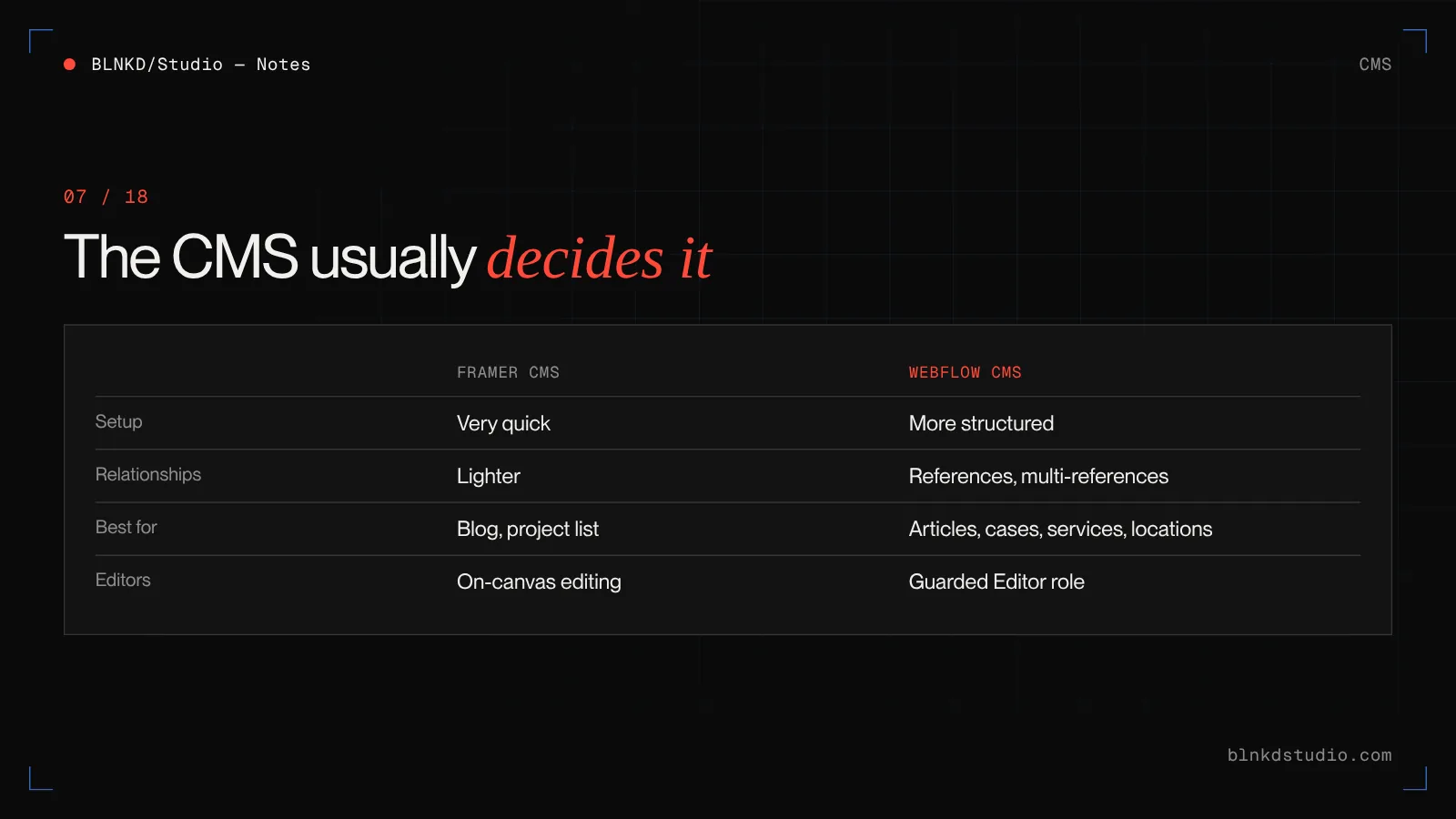
- Webflow CMS
- Structured collections with reference and multi-reference fields, filtering, nested lists, collection templates and an editor role for non-technical staff. It handles a blog, case studies, team, services, locations and resources — all linked to each other — without strain.
- Framer CMS
- Collections that are quick to set up and lovely for a blog or a simple list of projects. It is improving steadily, but it remains lighter for complex relationships between content types, and moving large, deeply linked content into it takes restructuring.
If your growth plan involves publishing — articles, case studies, location pages, resource libraries — the CMS should weigh heavily in your decision. It is far easier to start on the stronger CMS than to migrate to it later.
SEO and AI search
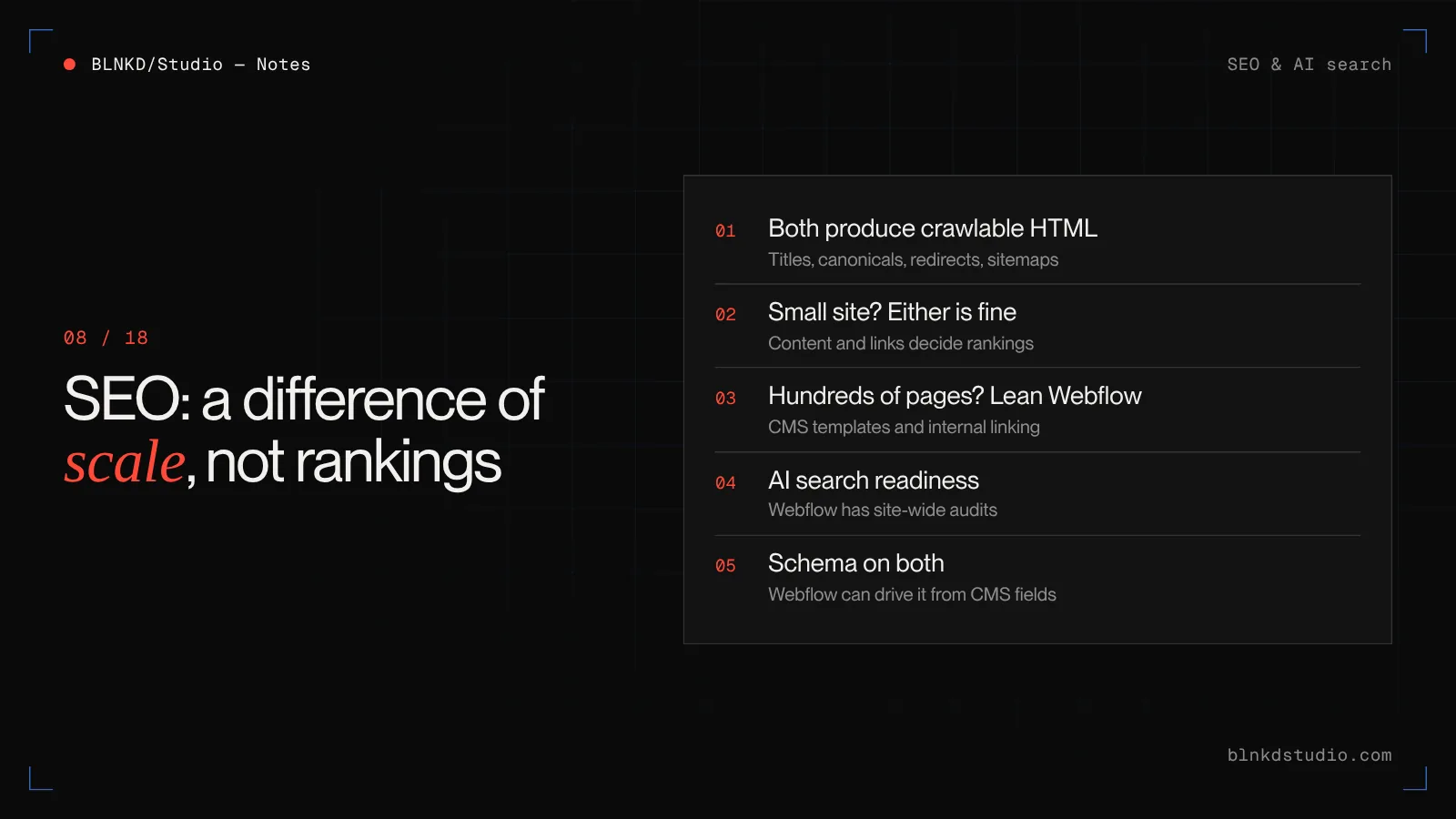
Neither platform will rank your site for you. Both produce crawlable HTML, both let you set titles, descriptions, canonicals and redirects, and both generate a sitemap. The differences are about scale and control.
- For a marketing site of a few dozen pages, either is fine. Content and links decide rankings, not the builder.
- For a site planning to rank across hundreds of pages — articles, services, locations — Webflow's CMS structure, collection templates and internal linking make that easier to do well.
- Webflow has invested in answer-engine readiness, including site-wide audits aimed at AI search. Framer has improved its SEO tooling, but has less at the platform level for large structured sites.
- Structured data (schema) is possible on both, through custom code. On Webflow it can be driven from CMS fields, which matters when you have many pages of the same type.
If organic search is a core channel for your business, lean Webflow. If the site mostly supports paid campaigns, outbound sales or a product launch, the SEO difference rarely decides it.
Technical SEO & AI search — Site structure, schema and the foundations that make a site readable to search engines and answer engines.
Performance
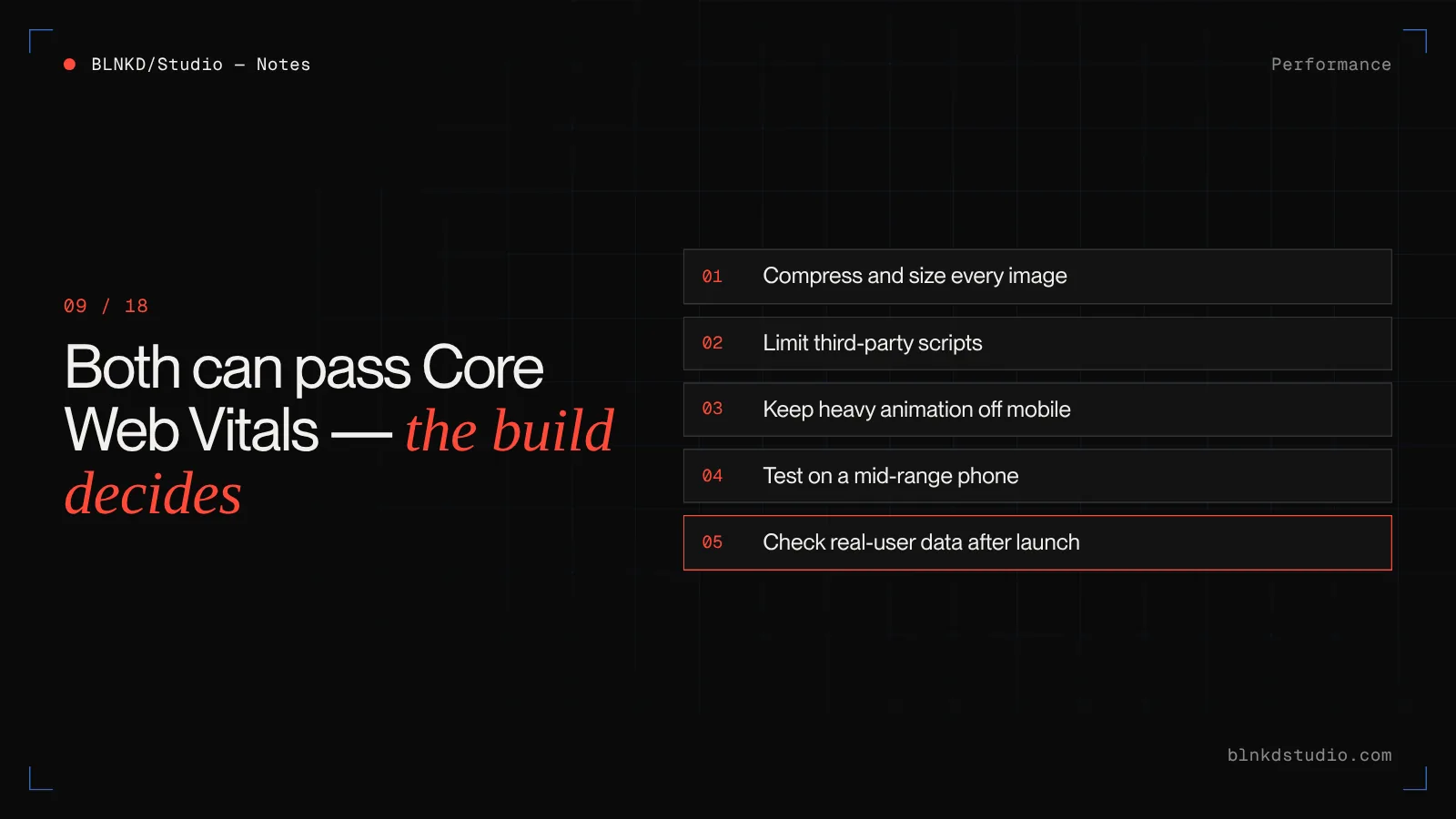
Both platforms host on fast global infrastructure and both can pass Google's Core Web Vitals. In practice, the build matters more than the platform.
Framer sites are usually fast out of the box, but heavy animation stacks, large uncompressed images and many effects on one page can make performance vary. Webflow sites are generally predictable at scale; the usual problems are oversized images, too many third-party scripts and heavy interactions on mobile.
On either platform: compress and size your images, limit third-party scripts, test on a mid-range phone rather than your laptop, and check real-user data in Search Console after launch.
Pricing and total cost
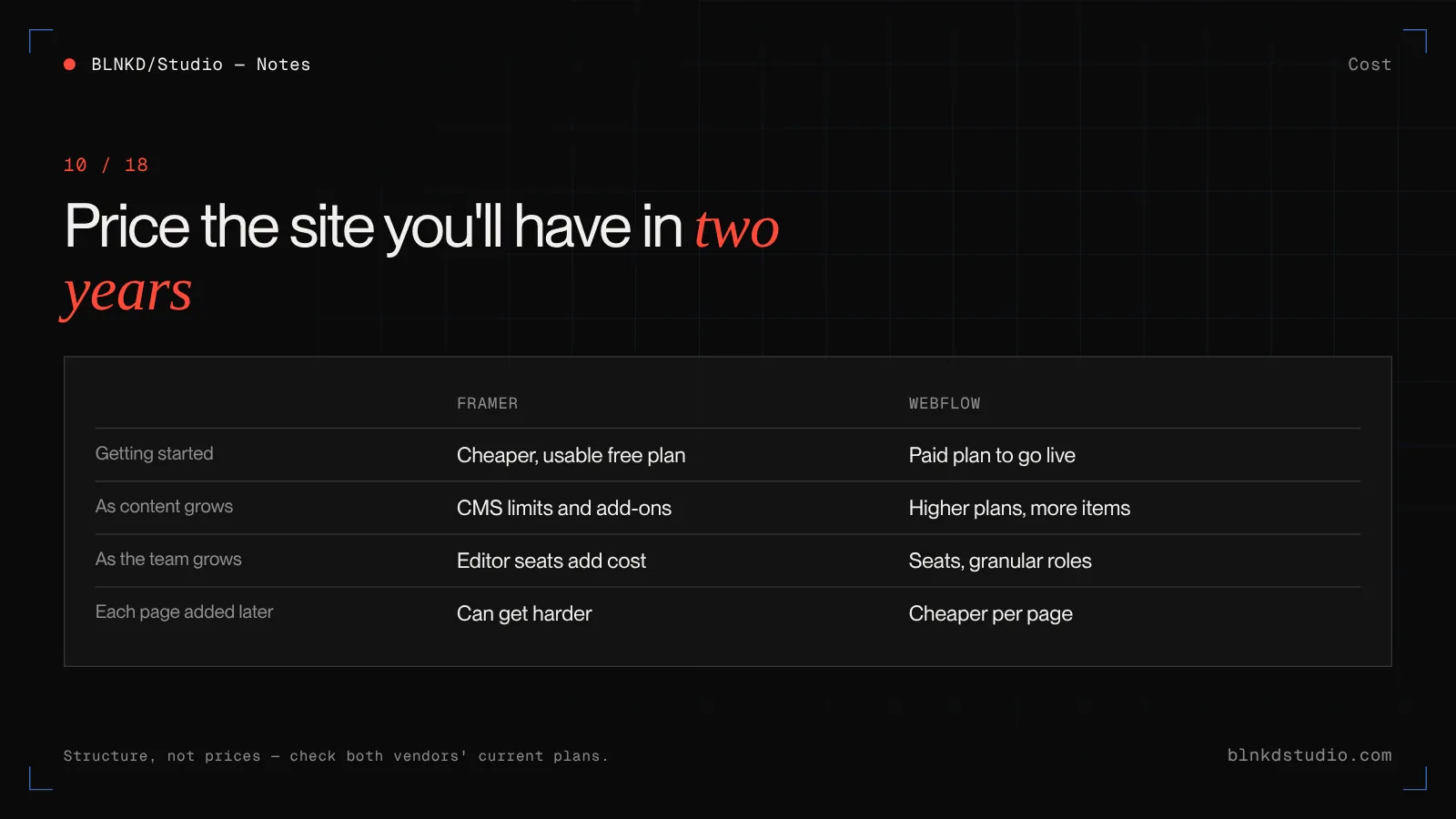
Both vendors change their pricing often, so check the current plans before you decide. What matters more than the headline price is how the cost grows.
| Framer | Webflow | |
|---|---|---|
| Getting started | Cheaper to start, with a usable free plan on a Framer subdomain | Free plan on a webflow.io subdomain; paid site plan needed to launch on your domain |
| As content grows | CMS limits and add-ons rise with the size of the site | Higher site plans unlock more CMS items and features |
| As the team grows | Editor and collaborator seats add cost | Workspace seats add cost, and roles are more granular |
| Build cost | Usually lower for a design-led marketing site | Usually higher for the first build, lower for each page added later |
| Cost of change in year two | Low for visual changes; can be high if you outgrow the CMS | Low for adding content and pages; higher for features outside Webflow's model |
Framer is usually cheaper for a small marketing site. Webflow often costs more per month and less per page once the site grows. Price the version of your site you expect in two years, not the one you are launching.
Editing for your team
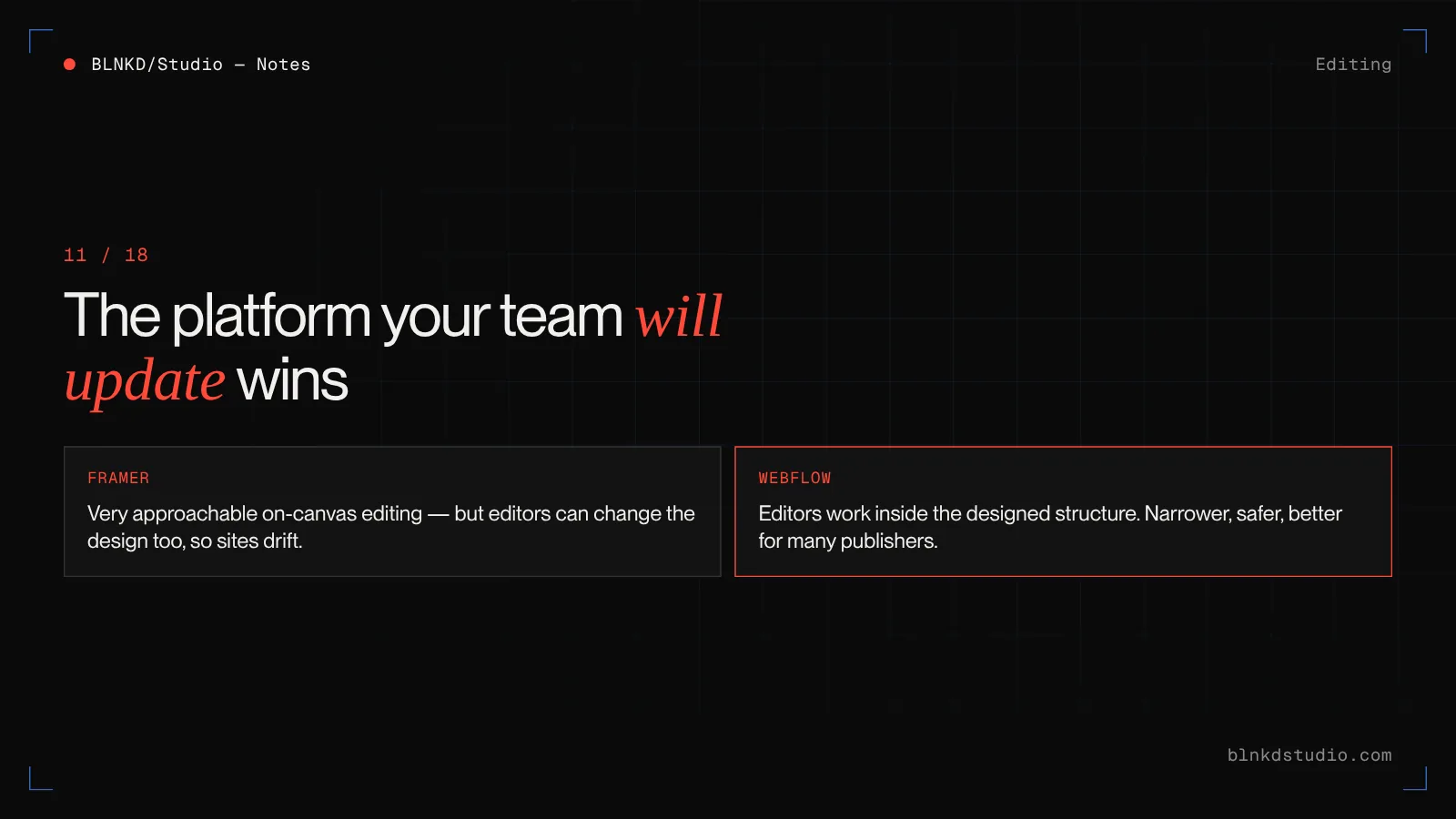
The platform your team will actually keep updated beats the theoretically better one.
Framer's on-canvas editing is very approachable: marketers can change text, swap images and publish without fear. The risk is the opposite of Webflow's — it is easy to change the design as well as the content, so sites can drift from the original system over time.
Webflow's Editor role is narrower and safer: editors work inside the structure the designer built, add CMS items and update copy, and it is hard to break the layout. That constraint suits larger teams and businesses where several people publish.
Collaboration, roles and agency handoff
For agencies and in-house teams, how a project is handed over matters as much as how it is built.
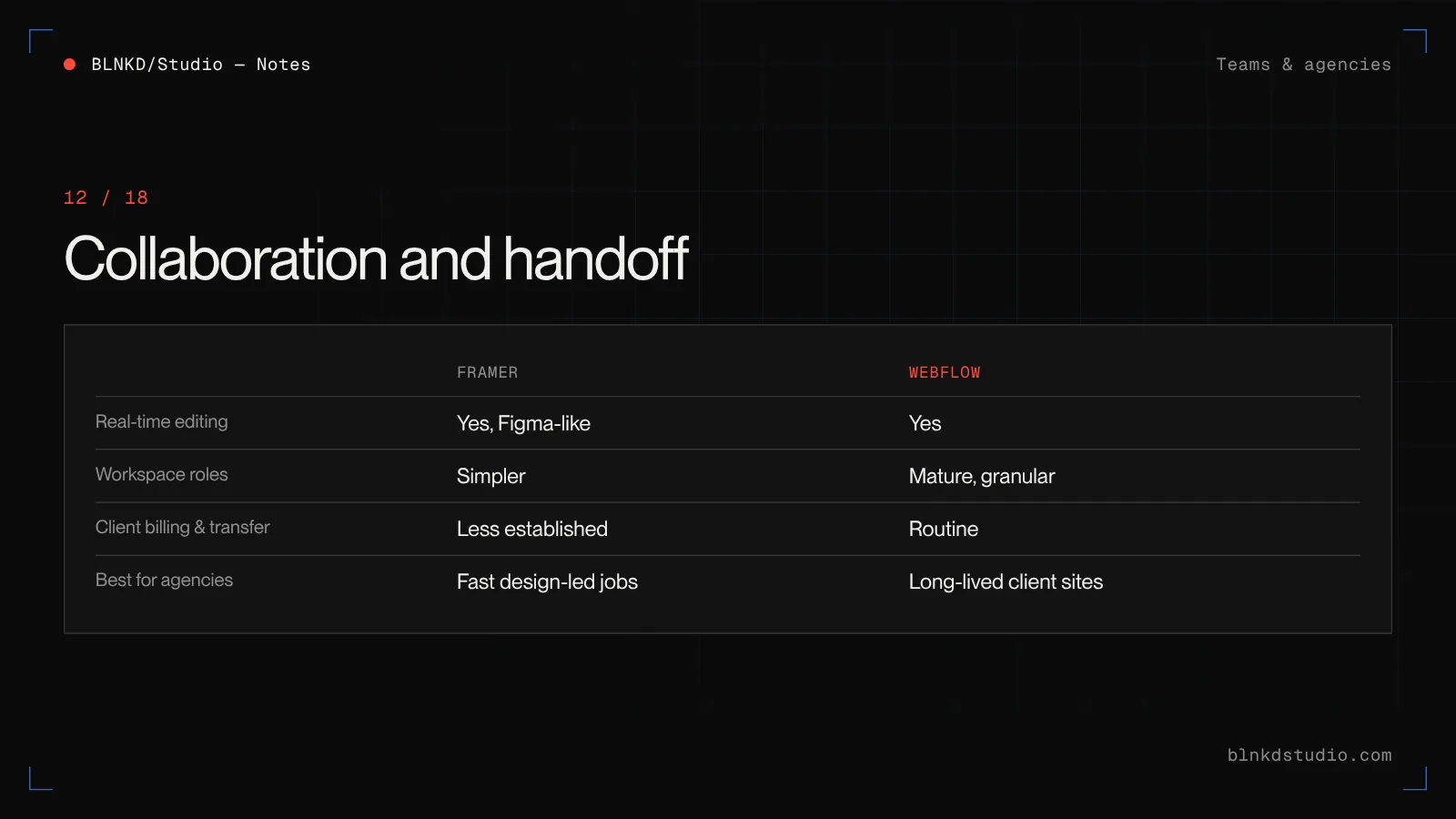
- Webflow has mature workspace roles, client billing and site transfer between workspaces, which makes agency-to-client handoff routine.
- Framer supports real-time collaboration and is easy to share, and its handoff model has improved, but it is less established for multi-client agency workflows.
- Both support live multiplayer editing. In practice, Framer feels closer to Figma; Webflow feels closer to a development environment with permissions.
If you are an agency delivering sites for clients who will run them for years, Webflow's handoff model is still the safer default.
White-label web production for agencies — Senior Webflow, WordPress and Next.js builds under your brand, from a $900–$1,500 pilot project.
Integrations and custom code
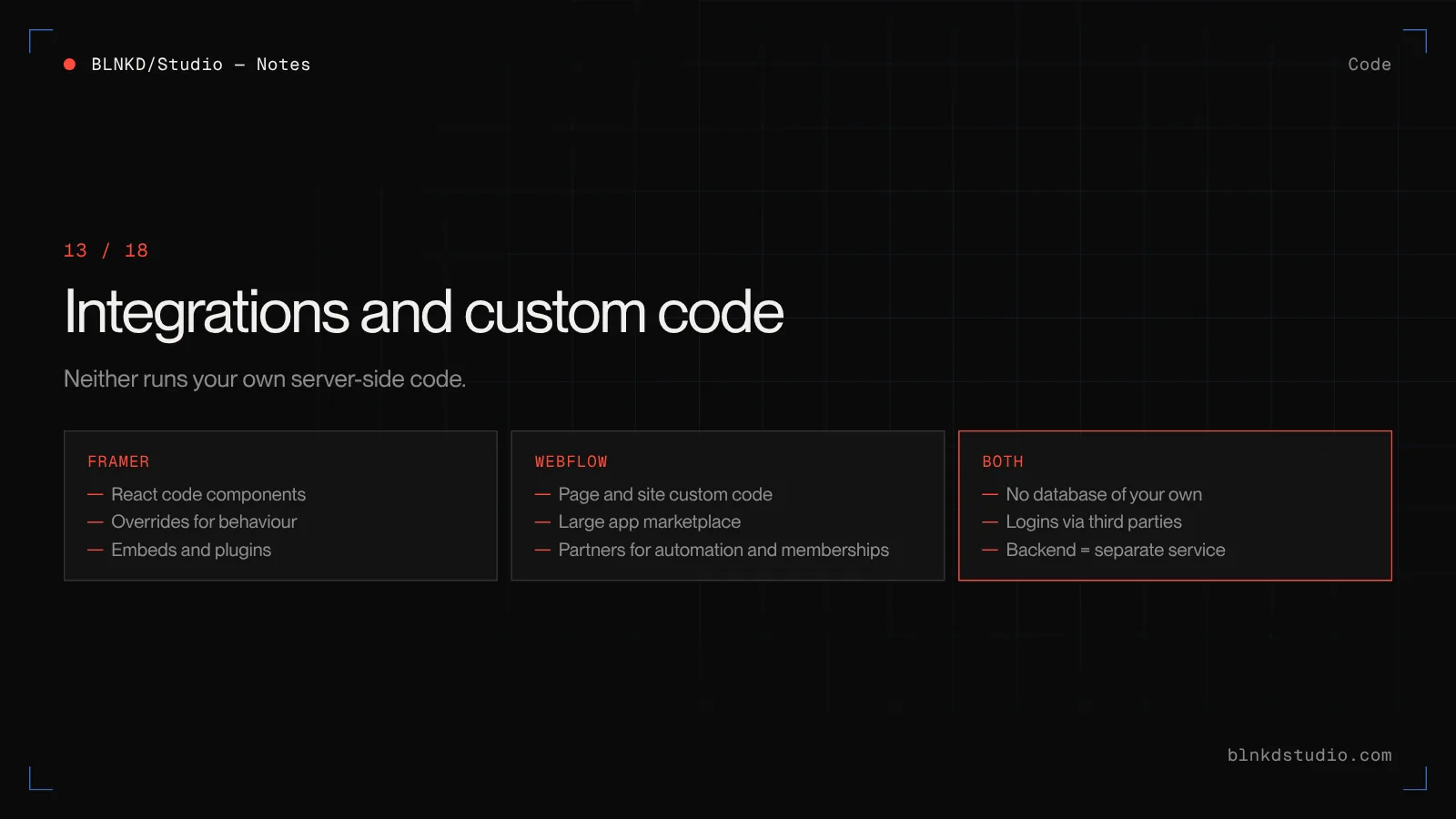
Framer lets you write React code components and overrides, which is powerful for a developer and invisible to everyone else. Webflow lets you add custom code to pages and embeds, and has a large app marketplace for forms, memberships, localisation and automation.
Neither runs your own server-side code. Anything that needs a database, logins, payments logic or private API calls happens through third-party services or a separate backend. Since Webflow retired Logic and User Accounts, that is true of both platforms for automation and memberships.
Where each platform runs out
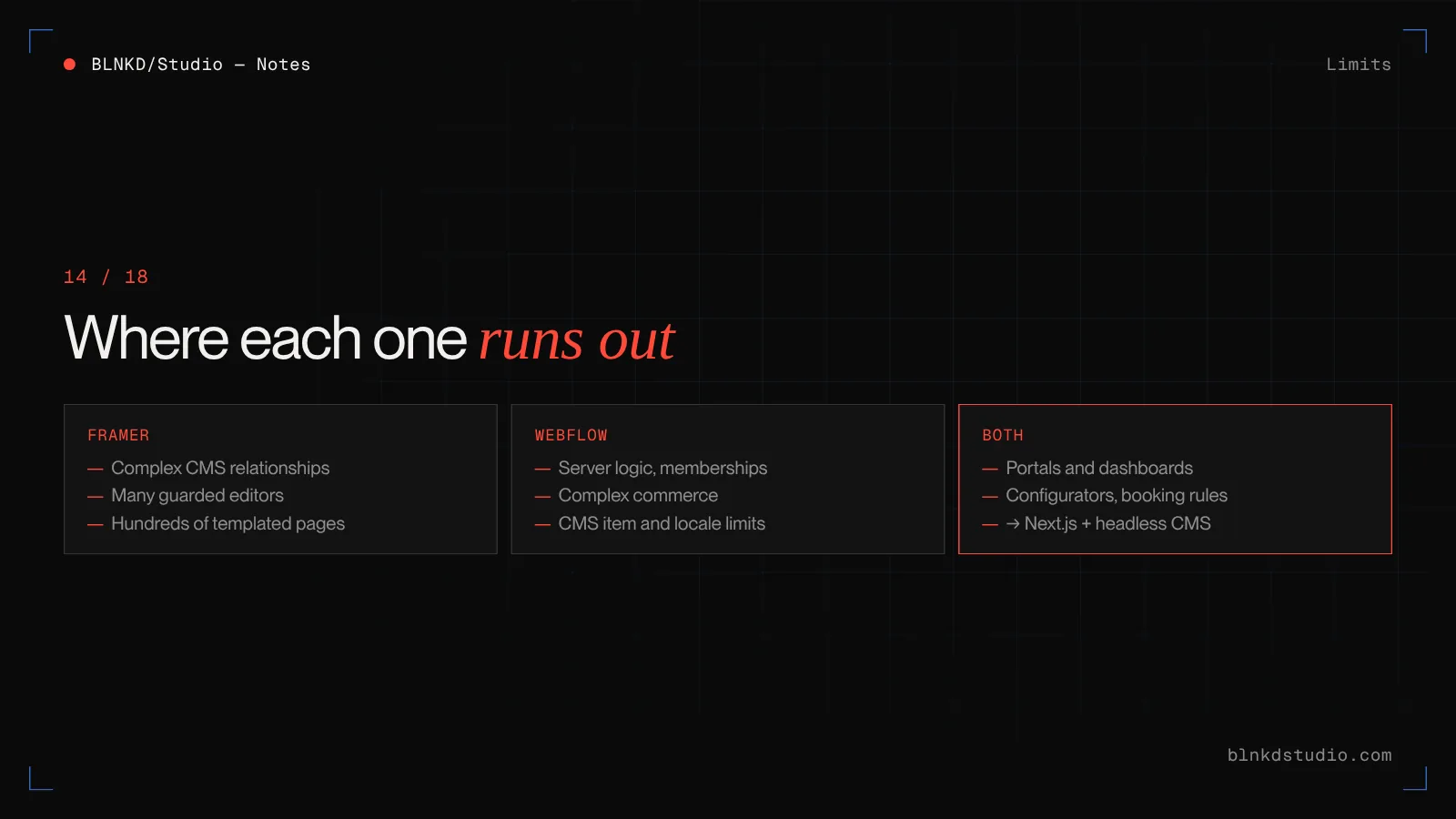
- Framer runs out when
- The CMS needs complex relationships between many content types. Dozens of editors need guarded roles. You need fine-grained control over structure across hundreds of templated pages. Or the design system needs to stay consistent across a very large site.
- Webflow runs out when
- You need server-side logic, real memberships or complex commerce. CMS item counts exceed your plan. Localisation needs go beyond its add-on. Or the team has no one willing to learn its class-based way of building.
- Both run out when
- The site is really an application: customer portals, dashboards, configurators, booking engines with business rules. That is the point to choose a framework build such as Next.js with a headless CMS.
Custom platforms & systems — When the honest answer is neither, this is the shape that work usually takes.
Moving between Framer and Webflow
Plan on the assumption that whichever you choose is a multi-year commitment.
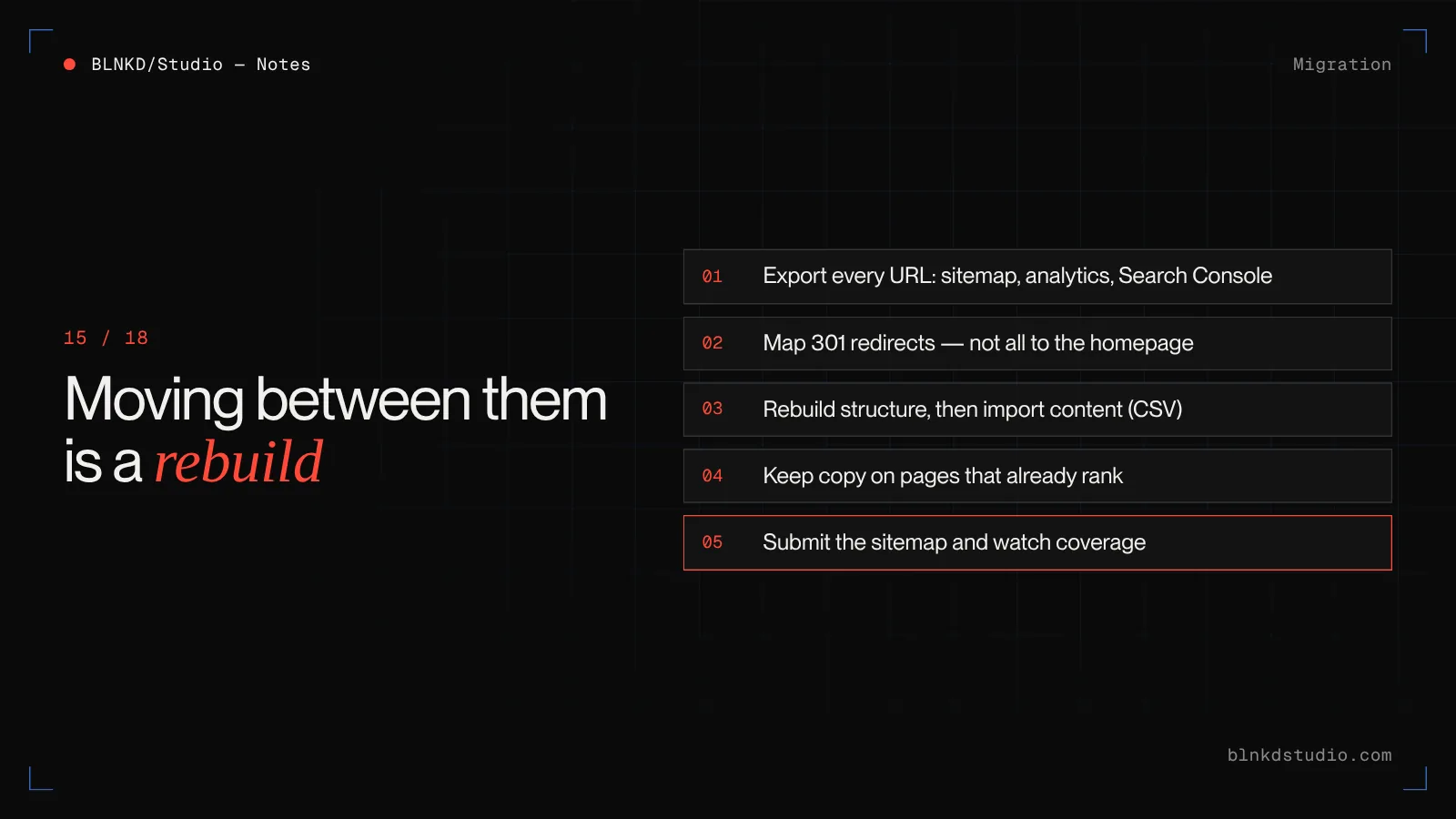
Neither platform lets you leave with a working site and CMS intact. Webflow can export static HTML, CSS and JavaScript on paid plans, but not the CMS as a working system. Framer does not offer a native code export. Moving in either direction means rebuilding the design and importing content.
- Export every current URL from the sitemap, analytics and Search Console before you start.
- Map each old URL to its new equivalent and set 301 redirects. Do not send everything to the homepage.
- Rebuild the content structure first, then import content — CSV export and import works for most collections.
- Keep titles, headings and body copy on pages that already rank.
- After launch, submit the new sitemap and watch Search Console coverage for a few weeks.
Framer to Webflow is usually about structure: rebuilding with classes and a proper CMS. Webflow to Framer is usually about content: restructuring collections to fit Framer's lighter model.
Framer or Webflow: a decision list
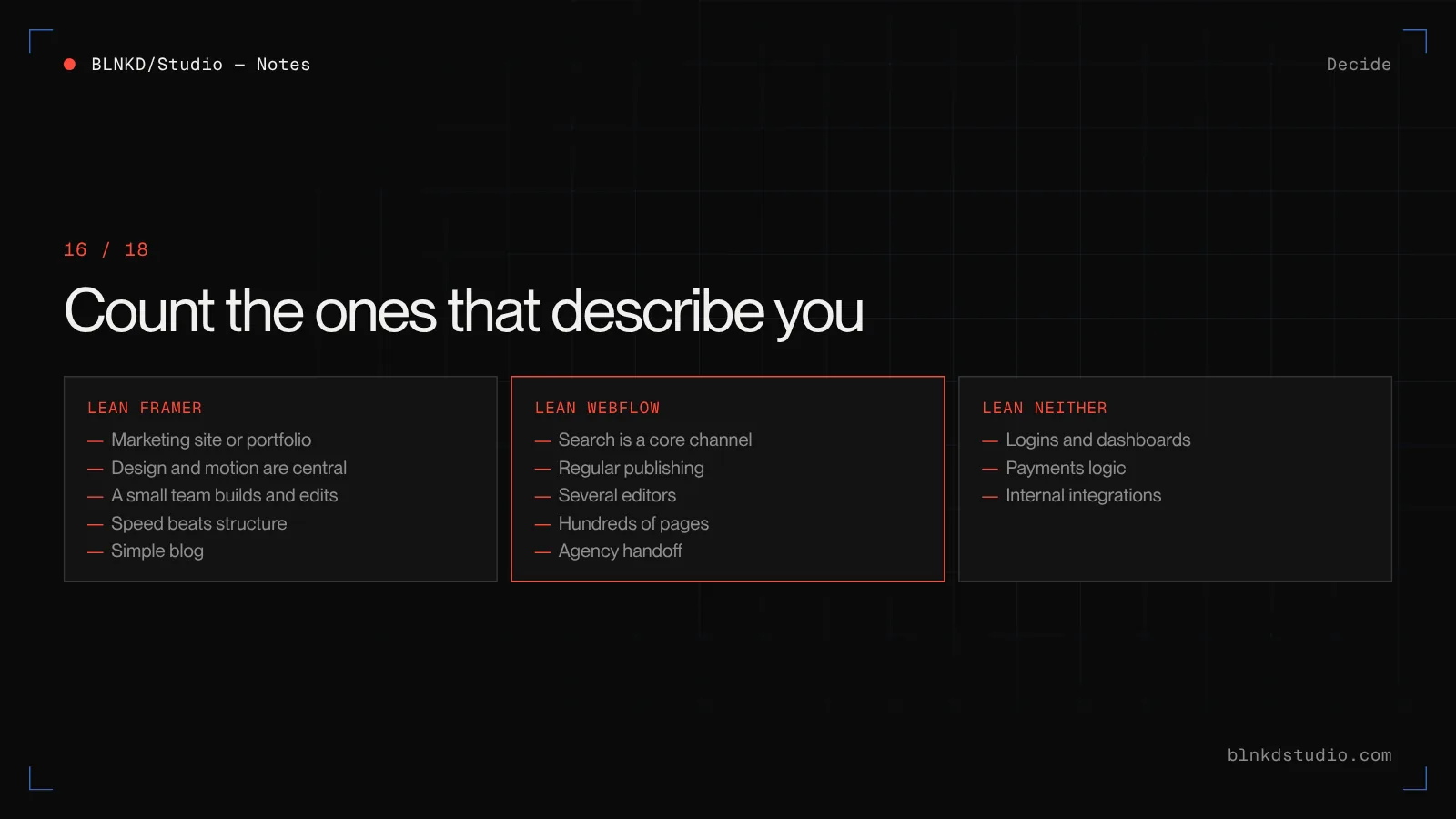
Count the ones that describe you.
- Lean Framer if
- The site is a marketing site, landing page or portfolio. Design and motion are central. A designer or small team will build and edit it. Speed to launch matters more than long-term structure. The CMS needs are a simple blog or project list.
- Lean Webflow if
- Organic search is a core channel. You will publish regularly across several connected content types. Several people will edit with different permissions. The site will grow to hundreds of pages. An agency is building it and handing it over.
- Lean neither if
- You need logins, dashboards, payments logic or integrations with internal systems. Build it as software, with a framework and a headless CMS.
What we tell clients
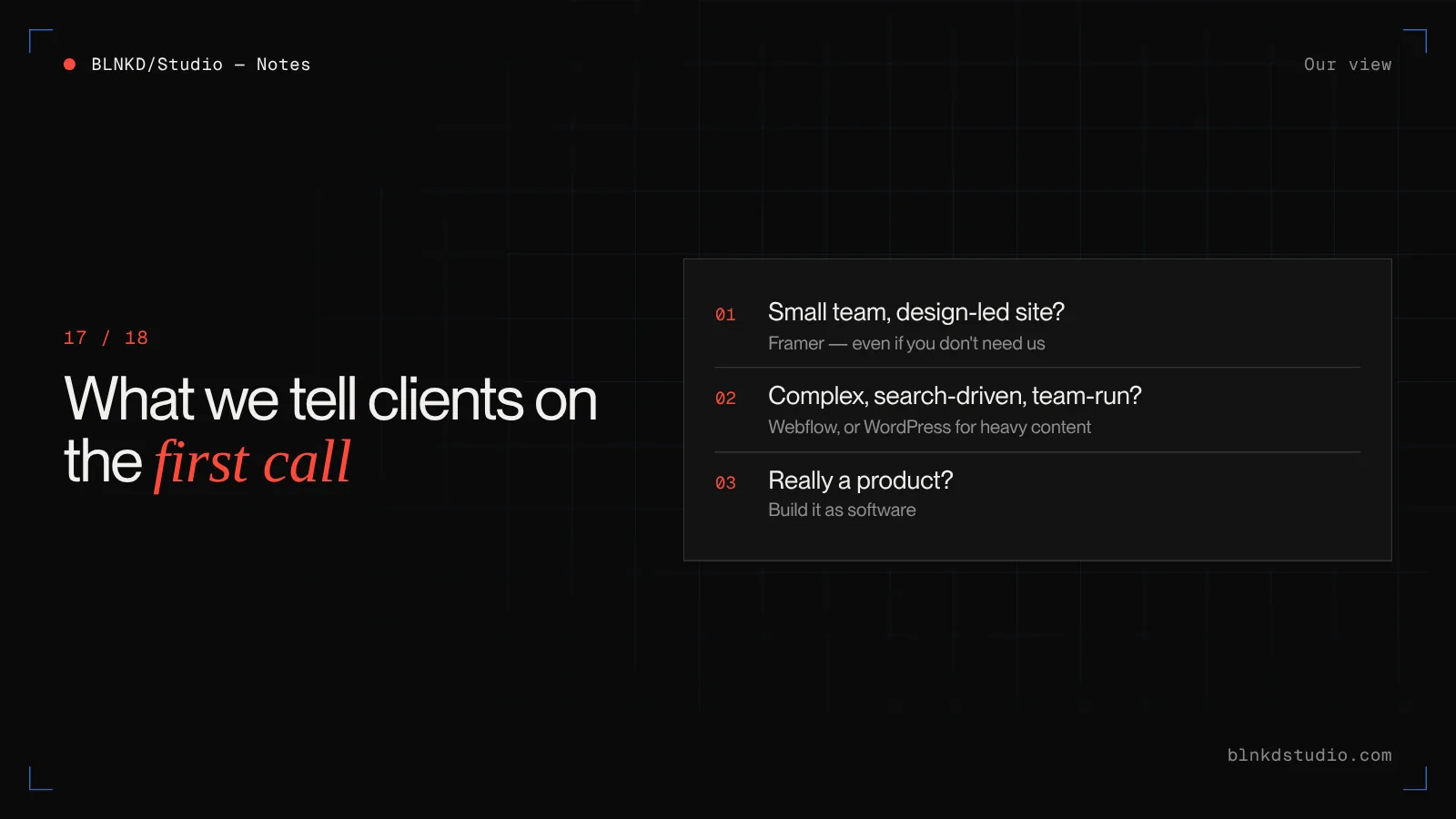
If you are a startup or small team with a marketing site, a strong visual direction and a simple blog, Framer is often the lower-regret choice, and we will say so on the first call — even though it means we are probably not the right people to hire.
If you are a company whose website has to explain something complex, rank across many pages and be maintained by a team for years, we usually recommend Webflow, or WordPress when the content and integration needs are heavier.
And if what you are describing is really a product, we would rather tell you before you pay for a website.
Webflow vs WordPress — If Webflow is on your shortlist, this is the other comparison worth reading.
Conclusion
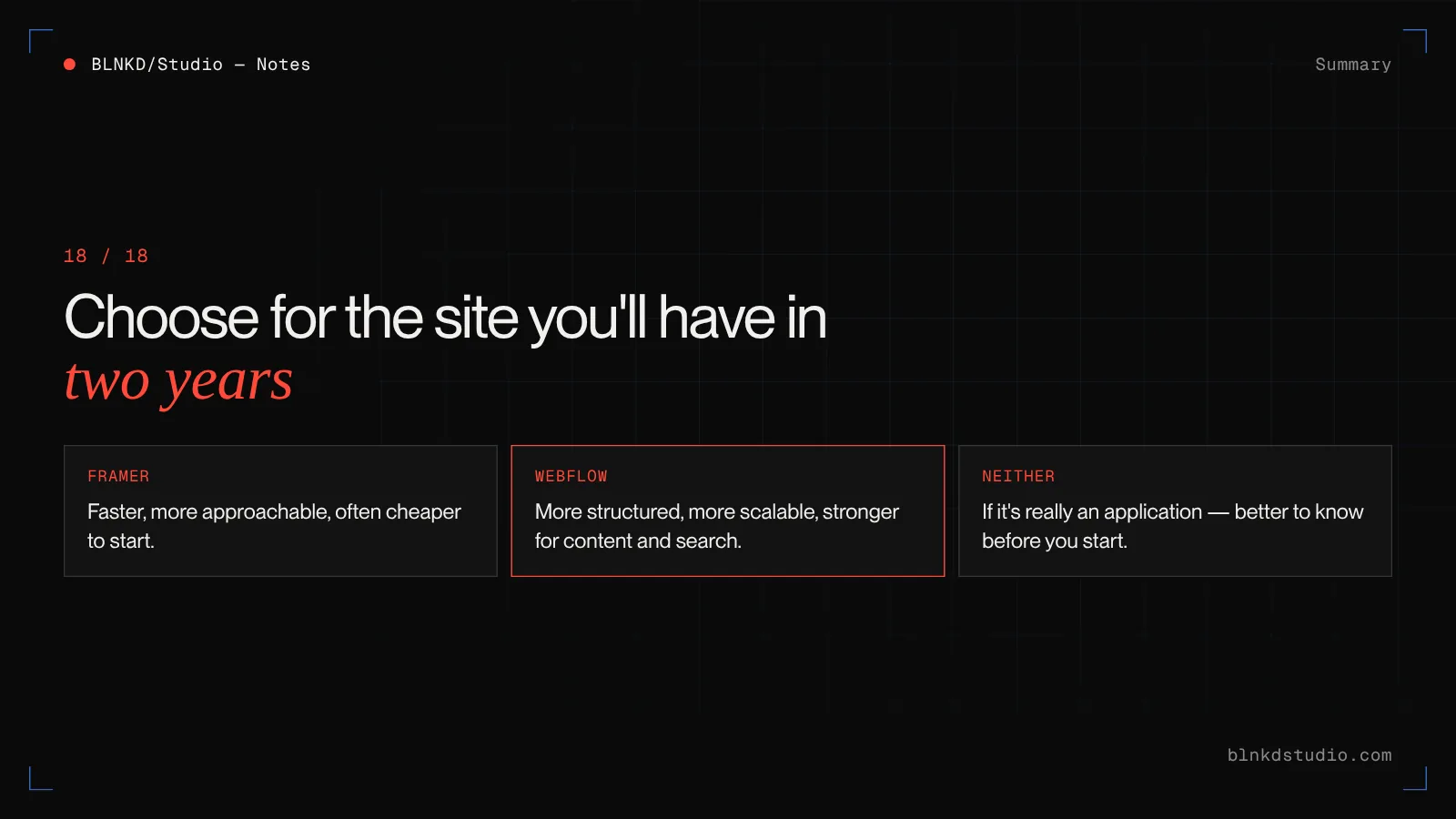
Framer is faster, more approachable and often cheaper to start. Webflow is more structured, more scalable and stronger for content and search.
The question is not which tool is better. It is which one fits the website you will have in two years: who edits it, how much content it holds, how much it depends on search, and how complex it becomes.
Choose for that site, not the launch page — and if neither fits, that is useful to know before you start.
Frequently asked questions
Is Framer better than Webflow?
For fast, design-led marketing sites with light CMS needs, often yes. For content-heavy, search-driven or multi-editor sites, Webflow is usually the better choice.
Is Framer easier to learn than Webflow?
Yes. Framer feels like a design tool and most designers are productive quickly. Webflow uses real CSS concepts such as classes and flexbox, so the learning curve is steeper.
Is Framer cheaper than Webflow?
Usually to start, especially for a small marketing site. As content, editors and pages grow, Webflow can cost less per page. Check both vendors' current plans, as pricing changes often.
Which is better for SEO, Framer or Webflow?
Both can rank well. For small sites the difference is minor; for sites targeting hundreds of pages, Webflow's CMS structure and site-wide tools make SEO easier to do well.
Which has better animations, Framer or Webflow?
Framer makes polished motion faster for designers. Webflow's GSAP-powered interactions offer a higher ceiling for complex, choreographed scroll animation.
Does Framer have a CMS?
Yes. Framer CMS collections work well for blogs and project lists, but they are lighter than Webflow's CMS for complex relationships between content types.
Can I move my site from Framer to Webflow?
Yes, but it is a rebuild. The design is recreated in Webflow, content is imported into collections, and every old URL needs a 301 redirect.
Can I move my site from Webflow to Framer?
Yes, also as a rebuild. Large or deeply linked Webflow CMS content may need restructuring to fit Framer's lighter CMS.
Can I export code from Framer or Webflow?
Webflow can export static HTML, CSS and JavaScript on paid plans, but not a working CMS. Framer does not offer a native code export.
Why are people switching from Webflow to Framer?
Mainly speed and ease for small marketing sites, plus Webflow retiring features such as Logic in 2025 and User Accounts in 2026, which pushed teams to re-evaluate.
Did Webflow remove memberships?
Yes. Webflow sunset its native User Accounts feature on 29 January 2026 and recommends partners such as Memberstack and Outseta instead.
Is Webflow still worth it in 2026?
For structured, content-heavy sites edited by teams and built to rank, yes. For a small, design-led marketing site, Framer may now be the simpler choice.
Which is better for agencies, Framer or Webflow?
Webflow is still the safer default for agencies because of its workspace roles, client billing and site transfer. Framer suits fast, design-led projects with simple handoff.
Which is better for startups?
Framer is often a great fit for an early-stage startup site that needs to launch fast and change often. Revisit the choice once content and search become core growth channels.
Can non-designers edit a Framer or Webflow site?
Yes. Framer's on-canvas editing is very approachable; Webflow's Editor role is narrower but makes it harder to accidentally break the design.
Do Framer and Webflow pass Core Web Vitals?
Both can. Performance depends mostly on the build: image sizes, third-party scripts and how heavy the animation is on mobile.
Can Framer or Webflow handle ecommerce?
Webflow has native ecommerce suitable for simple catalogues. Framer is not designed for full ecommerce. Complex retail is usually better on a dedicated commerce platform.
Should I choose Framer, Webflow or WordPress?
Framer for fast design-led marketing sites, Webflow for structured sites edited by teams, WordPress for heavy content, multilingual, membership or integration needs.
When should I use neither Framer nor Webflow?
When the site is really an application, with logins, dashboards, payments logic or internal integrations. A framework build such as Next.js with a headless CMS fits better.
Can BLNKD Studio help me choose between Framer and Webflow?
Yes. On a 30-minute call we look at what the site has to do and who will run it, and tell you which platform we would choose — including when the answer is Framer and you do not need us.
Read next
- Webflow vs WordPressThe other platform comparison, including cost over three years.
- White-label Webflow developmentFor agencies: Figma to Webflow, CMS and migrations.
- Advanced interactionsGSAP and WebGL motion when the site has to tell a story.
- Website maintenance costWhat each platform costs to keep running after launch.